


Keep 24/7 crawlers
Automatically monitor your clients and competitors across Meta, TikTok, Google, LinkedIn, and the web.
Built for agencies
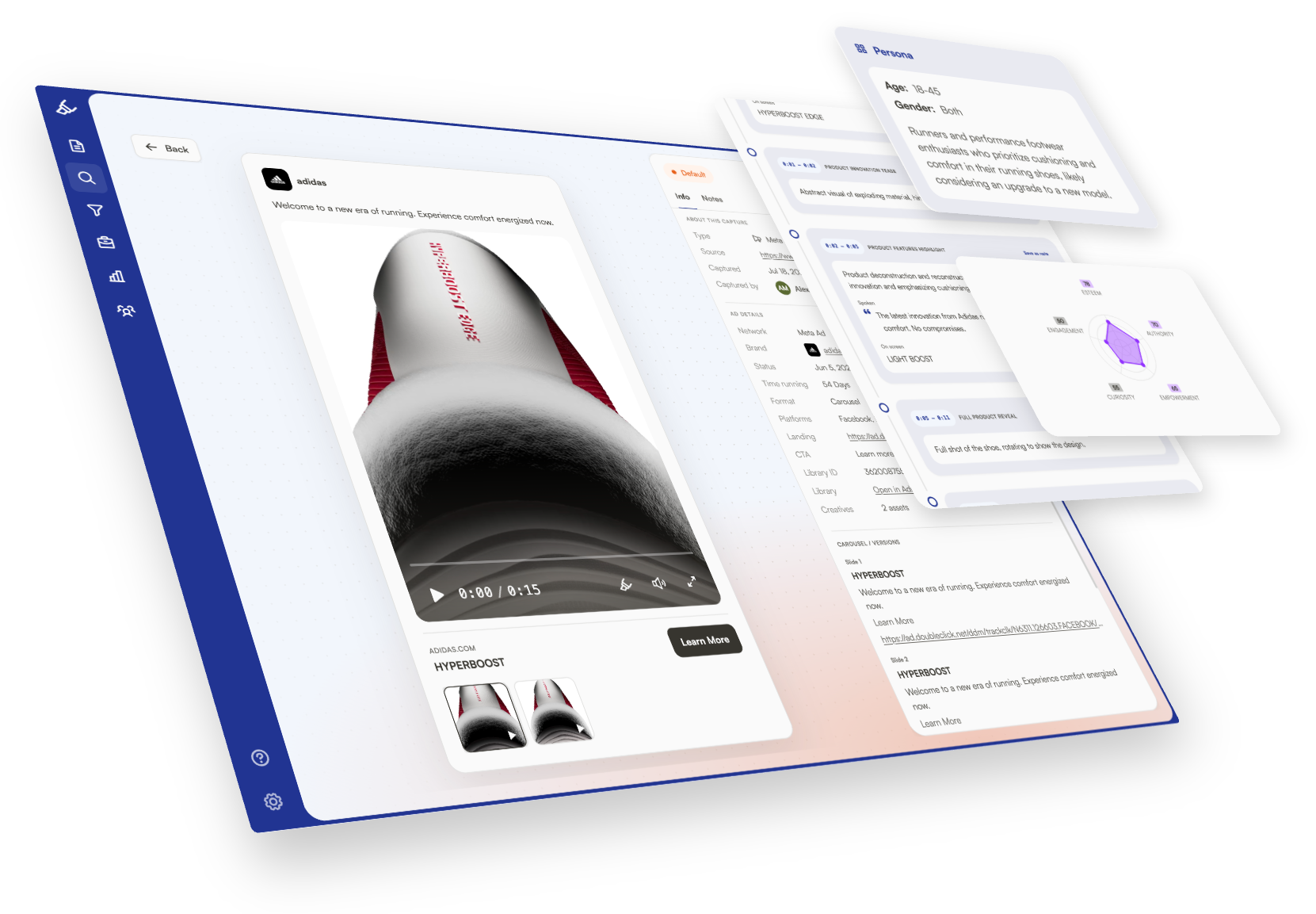
Capture ads, pages, emails, competitors, and customer journeys. Then uncover what is working, what is missing, and what your client should do next.
Automatically monitor your clients and competitors across Meta, TikTok, Google, LinkedIn, and the web.
Bring every important touchpoint into one connected view—from first ad to checkout.
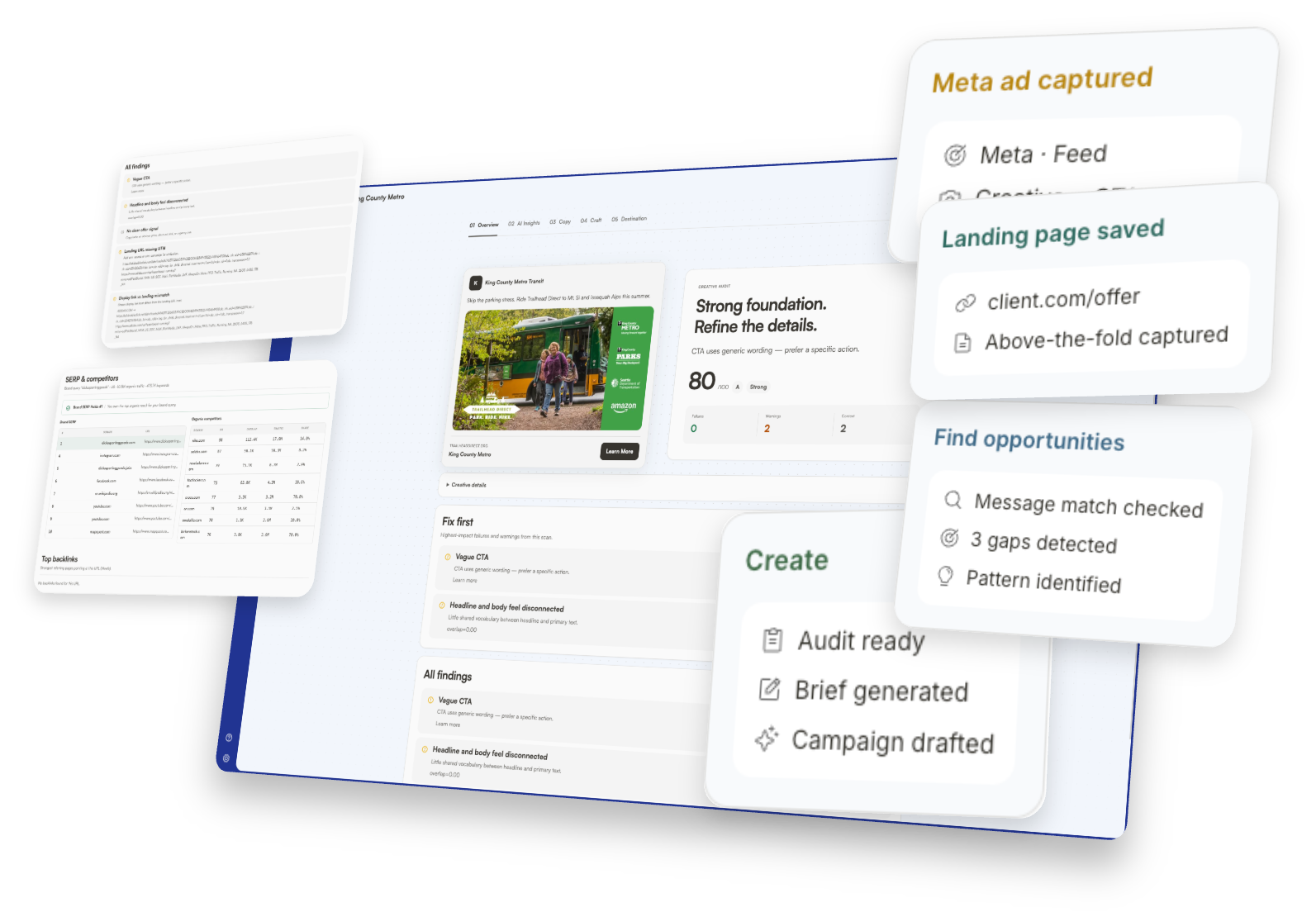
Find and prioritize the highest-ROI fixes across your client’s marketing funnel.
Create audits, briefs, campaigns, pages, and recommendations your clients can use.
Clients want to understand:
Gleanit keeps your work in one place, you just need to point at the answers.
Spot valuable opportunities across the customer journey—from weak offers and unclear CTAs to broken sequences, checkout friction, and competitor ideas worth testing.
Turn those gaps into the next project, experiment, or campaign that helps your clients grow.
Who are we
We run our own agency, so we get it.
We developed Gleanit with the features our team needs to be the most effective and provide the most value to our clients.
Oh, and we ship fast. Expect improvements weekly, not quarterly.
See gaps across the full customer journey.
Fill in context, metadata, and useful detail automatically.
Ask AI to write reports, briefs, and whatever you need.
Surface the next move from your research.
Shape AI around how your team actually works.
Use your own AI—or connect ChatGPT, Claude, Gemini, or whatever you like.
Capture and collaborate from Telegram.
Keep client research moving inside Slack.
Bring captures into Discord workflows.
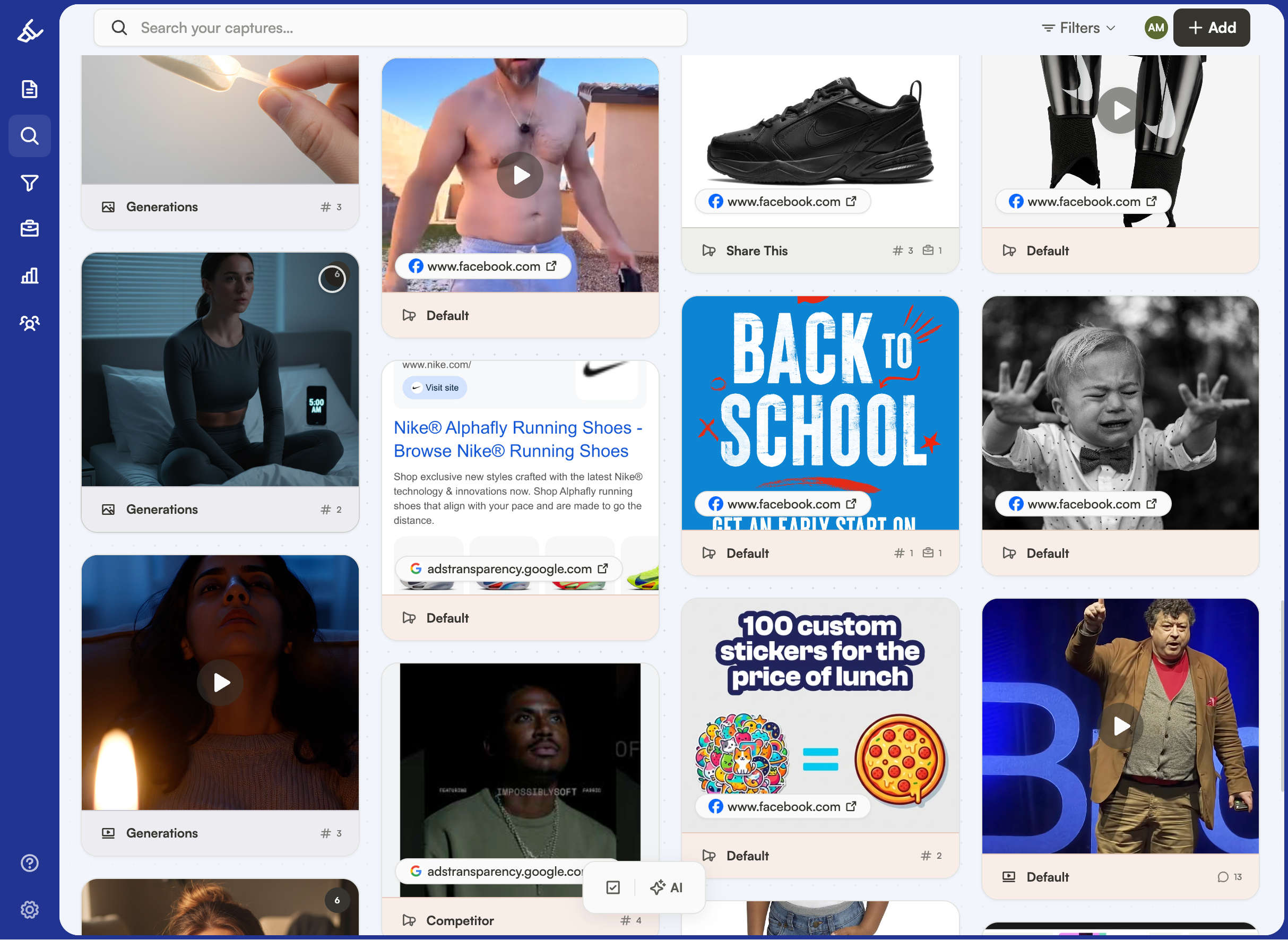
Save the ads, pages, and references worth revisiting.
Most advanced extension for ad or any type of capture.
Pull competitor ads straight from Meta.
Capture TikTok ads and creative patterns.
Save Google ads for research and comparison.
Capture LinkedIn ads into your workspace.
Save organic TikTok posts alongside ads.
Capture Instagram posts for research or inspiration.
Save posts and threads worth studying.
Capture pages and references from anywhere online.
Text, image, elements, videos, pages, emails, ads, and more.
Annotate every capture with the team.
Tag by hand or let AI keep things sorted.
Break down creative, message, and offer.
Review email flows with the same rigor as ads.
Above-the-fold, message match, and what the ad promised vs. what the page delivers.
Check search and answer-engine readiness.
A Notion-like doc experience for briefs, decks, scripts, and research.
Hemingway-style grading to score clarity and tighten the copy.
Creative briefs, ideas, scripts, IVOC, and more.
Move work in and out without friction.
Go back when a draft needs another look.
Keep every client’s research and deliverables separate.
Invite clients as guests and share with public links.
Share research, offer, and suggestions.
We ship weekly. Founding members get these as they land — and 30% off forever.
Your brand on the workspace clients see.
Capture and collaborate from WhatsApp.
Pull design context into client research.
Meta, TikTok, Google, and LinkedIn — your live campaigns, not just the library.
Hook research into the tools that run the work.
Solo is $99/month and Agency starts at $459/month, scaling with active client workspaces. Founding members get 30% off forever — $69 and $321. See pricing for details.
A client workspace keeps one client’s ads, landing pages, emails, research, findings, documents, feedback, recommendations, and deliverables together.
Gleanit can capture ads from Meta, TikTok, Google, and LinkedIn, alongside websites, landing pages, emails, customer research, and other source material. We are continuing to add direct integrations and automation based on the workflows agencies need most.
No. Use Gleanit’s built-in AI, work manually, or connect compatible AI tools through MCP so they can work with the research and context stored in your workspace.
Yes. If you have a network of agencies, consultants, or marketers who could benefit from Gleanit, talk to us about a referral partnership.
Get a guided setup and seven days to try Gleanit with your own client work.