
If you run an agency and want a fast peer network, start with The Agency Club, SMMA AGENCY OWNERS 2026, and Creative Agency Collective. The first gives you broad agency networking, the second is built for social media marketing agency growth, and the third enforces a strict no-selling rule so critique stays honest. For ad account troubleshooting, AdBuddie Agency runs ticketed private support worth joining today.
TL;DR:
- Most active agency Discord servers focus on networking, tactical advice, or niche-specific topics, so verify activity levels beyond just membership numbers.
- New members should spend time setting up profiles, understanding rules, and engaging with helpful questions and resources within the first few days to gain trust.
- Servers with clear moderation, recent activity, and recurring content tend to offer more value, while servers filled with spam or constant pitching should be avoided.
- Sharing client-specific information publicly is risky; always treat agency servers as public spaces and protect client confidentiality.
- Combining Discord for community engagement with Slack for structured client work can optimize agency workflows and external networking efforts.
Table of Contents
- What Is the Best Discord for Agencies Right Now?
- Curated Shortlist: Active Discord Servers for Agencies
- How to Join, Get Verified, and Set Up Your Agency Presence
- How to Judge a Server Before You Commit Time
- Moderation, Age Rules, and Data Privacy You Should Know
- Using Agency Discords for Networking and Client Work
- Roles and Channels You’ll Find in Agency Discords
- Etiquette That Keeps You Welcome in Agency Communities
- When Should Agencies Use Discord Instead of Slack?
- Turn Discord Connections Into Client Conversations
- Where to Verify Invites and Find More Servers
- Sources
- FAQ
What Is the Best Discord for Agencies Right Now?
Discord for agencies has quietly become the default place agency owners go when they need a fast answer, a second opinion on a client problem, or a place to vet a new hire without posting on LinkedIn. It works because it’s free, it’s already installed on most marketers’ phones, and voice channels let you get an answer in five minutes instead of waiting for a Slack thread to resurface.
That said, “Discord for agencies” isn’t one thing. Some servers are built for networking. Others are built for tactical campaign feedback. A few exist mainly to sell you something, which is exactly what you want to avoid. The rest of this guide breaks down which servers actually deliver, how to join without wasting a week, and how to keep client data safe once you’re in.
Curated Shortlist: Active Discord Servers for Agencies
Here’s the practical rundown of the servers worth your time, based on their stated focus, membership model, and activity signals.
The Agency Club is the largest general-purpose option on this list, and it’s positioned specifically around agency owner networking and shared resources. If you want the widest pool of peers to ask “how do you handle this client situation,” this is the first door to knock on.
Creative Agency Collective takes a narrower approach. It bans selling outright, which sounds restrictive until you realize that’s exactly why the feedback on creative work and portfolios stays useful instead of turning into a pitch fest.
AdBuddie Agency is built around ecommerce and paid media. Its standout feature is ticketed private support, meaning you open a ticket for an ad account issue and a moderator or specialist handles it directly rather than you shouting into a general channel.
Agency Owners skips the niche focus entirely and covers agency operations broadly, hiring, pricing, client management, the stuff that doesn’t care what industry you’re in.
SMMA AGENCY OWNERS 2026 is the one to join if you’re specifically running paid social for clients. The Top.gg listing shows a server built around recurring case studies and growth playbooks, not just chat.
Agency Network, Marketing Mavens, and Interweb-S1 round out the mid-tier options. Agency Network leans on introductions and partnership matching. Marketing Mavens runs campaign post-mortems and tactical breakdowns. Interweb-S1 skews toward freelancers and solopreneurs making the jump to agency work.
Comunidad Seo serves SEO specialists and occasionally hosts agency-relevant threads, useful if search is your core service line. Cats Agency is deliberately small and curated, a boutique option for boutique agencies. Prixelverse Network operates as a set of linked servers with topic-based sub-communities, so you join the network and then find your specific corner. Orexon Media, Crevix Creatives, and Service Prime exist as more agency-adjacent communities worth checking against your niche before committing time.
When you’re sizing up activity, don’t just count members. Look for scheduled events on the calendar, voice channels that actually have people in them during business hours, and pinned resources that get updated rather than sitting untouched for months. A server with 200 engaged members beats one with 8,000 ghosts every time.

How to Join, Get Verified, and Set Up Your Agency Presence
Most agency servers use a standard invite link, but a few gate entry behind a short application or vetting question, especially the ones offering ticketed support like AdBuddie Agency. Directories such as Disboard list current invites and member counts if a link you find elsewhere looks stale.
Once you’re in, spend ten minutes on setup before you post anything. Fill out your profile bio with your agency’s focus so people know who they’re talking to. Pin the resource channels you’ll actually revisit. Request any role that unlocks niche channels, most servers gate SMMA or SEO discussion behind a self-assigned role.
For your first 24 to 72 hours:
- Introduce yourself in the designated channel, name your niche and what you’re looking for.
- Read the pinned rules before posting anything promotional.
- Ask one specific, useful question rather than a generic “any tips?”
- Share one resource, a template, a case study, something that gives before it asks.
- Watch how moderators respond to others before you test the waters yourself.
Skipping the introduction step is the single fastest way to get ignored. Agency owners are busy, and nobody engages with a stranger who shows up talking only about themselves.
How to Judge a Server Before You Commit Time
Not every server that shows up in a search deserves a week of your attention. Run this checklist before you go all in:
- Fit: does the server’s stated niche match your actual service line, not just “marketing” in general?
- Moderation quality: are moderators named and active, or is the server run by anonymous accounts with no visible presence?
- Onboarding clarity: is there a clear rules channel and role system, or do you land in a wall of unstructured chat?
- Activity signal: are there recent messages across multiple channels, or just one loud thread from six months ago?
- Spam and paid-funnel red flags: is every third message a pitch for someone’s course or “free strategy call”?
A server with no pinned resources, constant selling, and admins hiding behind generic usernames is a server to leave. Regular events and recurring content, like the case studies SMMA AGENCY OWNERS 2026 posts, are a far better predictor of long-term value than raw member count.
Pro Tip: Give any new server a one-week trial and track three numbers: how many of your posts get a real reply, how many DMs you get unprompted, and how many resources you actually use. If all three are near zero after a week, leave.
Moderation, Age Rules, and Data Privacy You Should Know
Discord requires every account holder to be at least 13 years old, and it applies stricter protections to users between 13 and 17, treating anyone under 18 as a minor for enforcement purposes, according to Discord’s own child safety policy. That matters for agencies because you’re often discussing client work, sometimes with identifiable brand details, in a space that wasn’t built with B2B confidentiality in mind.
Discord also uses third-party age-assurance vendors that can prompt verification when a user triggers certain settings, and those vendors operate under defined data-use limits. You won’t control this as a server member, but it’s worth knowing the platform has that layer running in the background.
On enforcement, Discord generally favors warnings and staged penalties over instant bans for most rule violations, reserving zero tolerance for the most severe infractions. That remediation approach keeps communities from bleeding members over minor mistakes, but it also means a server’s actual safety depends heavily on how attentive its own moderators are, not just Discord’s platform-level rules.
Before you share anything client-specific in a public agency server, treat it the way you’d treat a public Slack channel with strangers in it. Never post account credentials, client names tied to performance data, or screenshots with identifying URLs visible.
Using Agency Discords for Networking and Client Work
The networking value shows up fastest in referral and partnership channels, where agencies post overflow work or look for a specialist to white-label a service they don’t offer in-house. That’s a direct, practical use case: post what you need, or what you have too much of, and let the community sort it.
Client-facing use is subtler and needs more care. Some agencies run a dedicated support server for their own clients, using it the way they’d use a shared Slack channel, for status updates, quick approvals, and asset requests. If you go this route, keep it entirely separate from the public agency communities you join for peer networking. Mixing your client’s private server with a public agency server invites the exact confidentiality problems covered above.
Community servers are also useful for informal market research. Watching what other agencies complain about, which platforms are causing headaches this month, which client requests keep coming up, gives you real-time signal you won’t get from a quarterly industry report. Several servers, including Marketing Mavens, structure this directly with recurring campaign post mortem threads where members share what worked and what didn’t.
Use these communities to find collaborators for one-off projects too. A designer in Creative Agency Collective or a media buyer in AdBuddie Agency might be exactly the subcontractor you need for a project outside your core skill set, without the overhead of a formal hiring process.
Roles and Channels You’ll Find in Agency Discords
Most agency servers follow a similar structural pattern once you look past the surface differences. There’s usually a welcome or rules channel first, then an introductions channel, then niche-specific discussion rooms split by service line or topic.

Roles typically break down into a few tiers: admins and moderators who set policy and handle disputes, verified or vetted members who’ve gone through some onboarding step, and general members who joined via open invite. Servers like AdBuddie Agency add a further tier for ticketed support access, a role that unlocks private channels for account-specific troubleshooting.
Channel structure usually separates general chat from resource libraries, job or collaboration boards, and voice channels for live discussion. The resource channels are worth pinning and revisiting; they’re where templates, case studies, and swipe examples tend to accumulate over time. Voice channels are underused by most members but often the fastest way to get a nuanced answer that would take twenty back-and-forth messages in text.
Knowing this structure in advance saves you from wandering a new server for twenty minutes trying to figure out where to post. Check the channel list first, read a pinned message or two, and you’ll usually understand the community’s norms before you type a single word.
Etiquette That Keeps You Welcome in Agency Communities
The fastest way to get muted or removed from an agency server is showing up and immediately pitching your services. Most communities, Creative Agency Collective especially, enforce this with an explicit no-selling rule, and even servers without a written policy expect you to earn trust before asking for business.
Give before you ask. Answer a question in your area of expertise, share a template, comment thoughtfully on someone else’s campaign breakdown. Reciprocity is the actual currency in these spaces, and members notice who consistently shows up to help versus who only shows up to extract value.
Keep DMs respectful and opt-in. Cold-pitching someone in their inbox after a single public interaction is one of the quickest ways to get reported. If you want to follow up privately, ask permission in the public channel first.
Respect the niche boundaries of specialized servers. Posting a general marketing question in a server built specifically for SEO practitioners, like Comunidad Seo, wastes everyone’s attention and marks you as someone who didn’t read the room.
When Should Agencies Use Discord Instead of Slack?
Discord wins for community and voice-first engagement, the peer networking, live troubleshooting, and always-on chat this guide has covered. Slack remains the stronger choice for structured internal work: task tracking, client threads, and integrations with your actual delivery stack.
Plenty of agencies run both. Discord for external community and quick peer input, Slack for internal execution and client-facing channels that require more structure. If you split it that way, the governance question becomes what gets monitored and reported on, which is exactly where a workflow like the one in Gleanit’s unified marketing dashboard guide earns its keep.
— Ovannes
Turn Discord Connections Into Client Conversations
A good lead from AdBuddie Agency or The Agency Club is worth exactly nothing until you follow up with something concrete. That’s the gap Gleanit fills: automated ad and account monitoring across Meta, TikTok, and Google that turns a five-minute Discord conversation into a real audit you can hand someone the same day.
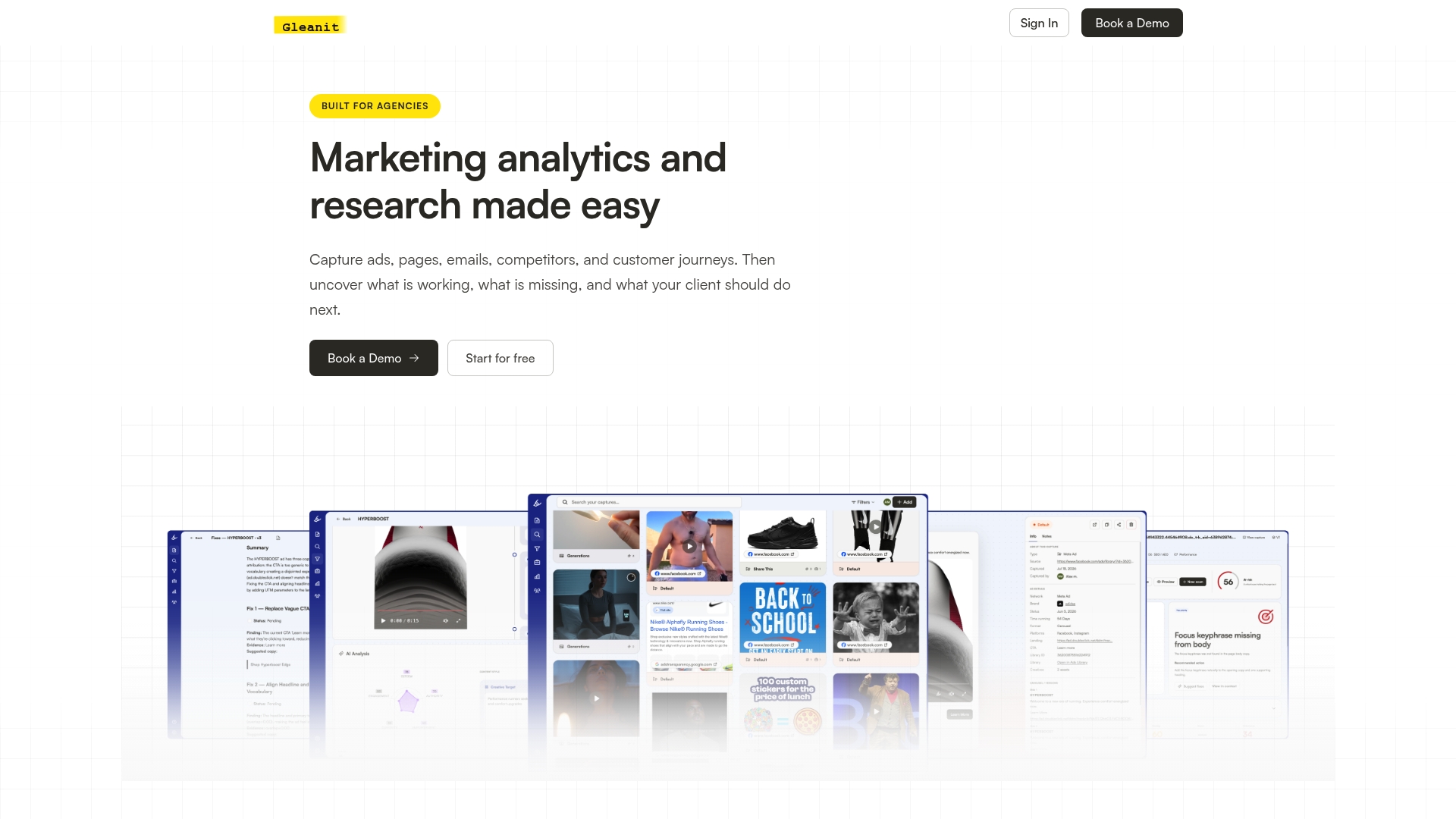
Instead of promising a prospect you’ll “take a look” at their ads next week, run a free ad audit the moment the conversation gets warm and send back a report before they’ve forgotten your name. The platform’s funnel gap diagnostics flag high-value fixes automatically, so the report does the persuading instead of you. Solo plans start at $99 a month and Agency plans at $459 a month on the pricing page, both with client workspaces built in for exactly this kind of follow-up. Run a free audit on your next Discord-sourced lead and see what it turns up.
Where to Verify Invites and Find More Servers
- Disboard’s agency tag lists current invites, descriptions, and member counts.
- Top.gg server pages show stated audience size and recurring content themes before you commit.
- Always click through an invite link directly rather than trusting a screenshot before sharing it with a client or teammate.
FAQ
What Is the 13 Rule on Discord?
Discord requires every account holder to be at least 13 years old, and it applies additional protections for users between 13 and 17 as part of its child safety policy. For agency servers, this mostly matters as a baseline trust signal rather than a daily concern, since most members are working professionals.
Do Any Companies Use Discord for Work?
Yes, plenty of agencies and creative teams use Discord for community engagement, peer networking, and voice-first collaboration, while reserving structured internal work for tools like Slack. The split works because Discord and Slack solve different problems: one is community-first, the other is productivity-first.
Is Discord Safe for Corporate Use?
Discord is reasonably safe for corporate use when you treat public servers like public spaces and never post client credentials or identifying account data there. The platform favors warnings and staged penalties for most violations, reserving zero tolerance for severe infractions, but actual safety depends heavily on individual server moderation quality.
How Do I Use Discord for a Company or Agency?
Join a server that matches your niche, like SMMA AGENCY OWNERS 2026 for paid social or Creative Agency Collective for creative critique, introduce yourself, and contribute before you ask for anything. Once you have peer connections, use a fast tool like a free marketing audit to turn conversations into concrete follow-up material.
Recommended
- 45 Minute LinkedIn Ads Competitor Audit for Agencies
- Campaign Post Mortem: A Repeatable Agency Template
- One Afternoon TikTok Competitor Audit for Agencies, When to Automate
- Client Reporting Templates: Report in 45 Minutes
Corrections: ovannes@hearye.co or our editorial policy.