
The Ads Transparency Center is Google’s public, searchable archive of ads running across its network, and marketers use it mainly to reverse-engineer competitor creative and campaign patterns before building their own tests.
You will learn:
- How to search it by domain or advertiser name
- Which filters and data fields actually matter
- A repeatable workflow for turning what you find into testable hypotheses
Key Takeaways
Marketers get the most value from the Ads Transparency Center by treating it as a directional research tool for creative patterns, not a performance dashboard.
| Point | Details |
|---|---|
| Search by domain first | Domain searches catch multiple advertiser accounts, resellers, and agency-run profiles tied to one brand. |
| Watch the indexing lag | New ads typically take one to three days to appear, so recent launches may look inactive. |
| Retention windows differ | Commercial ads stay searchable roughly a year; political ads are retained much longer. |
| Use the EEA filter for extra signals | Switching region to an EEA country surfaces targeting parameters and reach ranges hidden elsewhere. |
| Automate the ongoing tracking | Gleanit converts manual Transparency Center research into continuous monitoring and prioritized test recommendations. |
Table of Contents
- What Is the Google Ads Transparency Center, Exactly?
- How Do You Access and Navigate the Transparency Center?
- What Filters and Limits Should You Know Before Digging In?
- What Data Does an Ad Detail Page Actually Show?
- How Do Marketers Actually Use the Transparency Center?
- Why Do Ads in the Center Already Meet Google’s Standards?
- What Do You Do When Ads Are Missing or Incomplete?
- A Repeatable Research Method for Competitive Ad Audits
- Turn Transparency Center Research Into a Repeatable System
- Sources
What Is the Google Ads Transparency Center, Exactly?
The Ads Transparency Center indexes ads served across Search, YouTube, Display, Shopping, Maps, Gmail, and Play, and it shows advertiser identity, creative, platform, and the date an ad was last shown. Anyone can browse it, no account required, which sets it apart from the closed reporting dashboards agencies typically rely on for their own campaigns.
Verified advertisers display a legal business name and, in some cases, a payer name if that differs from the advertiser. Unverified accounts show up with less identifying detail, which itself is a signal worth noting during competitor research.
- Covers six-plus Google surfaces in one interface
- No login needed to search or browse
- Verification status changes what information you see
Pro Tip: Search by domain first, not advertiser legal name. A single brand often runs ads through multiple accounts, resellers, or agency shells, and the domain search pulls all of them into one view.
How Do You Access and Navigate the Transparency Center?
Getting into an advertiser’s full ad history usually starts one of two ways.
- Go directly to the Ads Transparency Center and type a domain or brand name into the search bar.
- Click the three-dot menu on any live Google ad and select “About this ad,” which drops you straight onto that advertiser’s page.
You do not need a Google account for either path, though signing in lets you save preferences in My Ad Center, Google’s separate tool for personalizing which ads you see. Once you land on an advertiser’s page, the interface gives you a region filter, a date picker, platform and format filters, and an aggregated view of every ad tied to that account.
- Region filter narrows results to a specific country
- Date picker lets you set custom ranges or use presets
- Platform filter isolates Search, YouTube, Display, or Shopping ads
From a single ad, you can pivot to the full advertiser portfolio in one click, which is where the real research begins.
What Filters and Limits Should You Know Before Digging In?
The filter set is straightforward: region or country, date range, platform, ad format, and verification status. Combine them and you can isolate, say, every Display ad a verified advertiser ran in Germany during the last quarter.
Retention windows matter more than most people assume. Commercial ads generally stay searchable for close to a year, while political and election ads are retained substantially longer given regulatory requirements. New ads typically take 24 to 72 hours to appear in the index after going live, so a competitor’s freshest creative may be invisible for a couple of days.
- No general export or commercial API (the EEA has a BigQuery exception, covered later)
- No spend, impressions, or bid data outside political ad disclosures
- Indexing lag means recent launches can look sparse even when a campaign is active
Treat any gap you see as a possible lag or retention boundary before assuming a competitor pulled an ad.
What Data Does an Ad Detail Page Actually Show?
Each ad detail page gives you the advertiser name, payer name when it’s disclosed, the verified badge status, platform, format, the date the ad was last shown, and a counter for how many creative variations exist under that ad. You’ll also see a destination domain, though it isn’t always clickable.
For ads shown in the EEA and Türkiye, Google discloses more under the Digital Services Act: targeting parameters, recipient or reach ranges, and subject-matter labels that don’t appear anywhere else in the tool.
- Advertiser and payer name (when different)
- Verified badge, platform, format, last-shown date
- Variation count and destination domain
- EEA-only: targeting parameters and reach ranges
What’s missing is just as important: no spend, no click-through rate, no conversion data, no keyword bids. Everything here is directional, a clue about creative direction and cadence, not proof of what’s actually working.
Pro Tip: Sort your shortlist by last-shown date and a wide date range. Ads that keep resurfacing over months, not days, are almost always the ones a competitor considers winners.
How Do Marketers Actually Use the Transparency Center?

Most productive research follows a simple funnel: find the domain, identify every account tied to it, filter by region and platform, then build a shortlist of ads that have been running the longest.
From there, a creative-sourcing pass works best. Capture each variation, log the hook or angle used in the headline or opening seconds of video, and translate patterns into your own controlled A/B tests rather than copying creative outright.
- Search the domain, not the brand name
- Filter by region and platform to cut noise
- Sort by last-shown date to surface long-running winners
- Log format, apparent CTA, and destination domain for each ad
- Convert two or three patterns into hypotheses for your own tests
- Set a recurring review cadence, weekly or biweekly, so portfolio shifts don’t slip past you
- Keep a lightweight log rather than trying to track everything by memory
- Prioritize testing candidates that have run longest, not just the newest ones
Pro Tip: Switch your region filter to an EEA country when researching a global brand. You’ll often surface targeting and reach clues that never appear in the US view, a workaround experienced researchers use to triangulate strategy before running their own targeting experiments, an approach covered well in this Google Ads targeting playbook.
Why Do Ads in the Center Already Meet Google’s Standards?
Every ad you find has already cleared Google’s review process, which matters more than it sounds. Google groups its advertising policies into four areas: prohibited content, prohibited practices, restricted content, and editorial and technical standards, enforced through a combination of automated systems and human reviewers.
The editorial and technical standards cover things like business naming conventions and video quality requirements, and advertisers who get flagged can appeal or fix disapprovals before creative goes live again.
An ad’s presence in the Transparency Center tells you it passed a policy check, not that it converted well or that the approach is ethically sound. Verification badges and payer-name disclosures add a layer of accountability, but neither one measures performance.
- Verified badge signals identity confirmation, not creative quality
- Human review still backs up automated enforcement on flagged ads
- Compliance and results are two separate questions
What Do You Do When Ads Are Missing or Incomplete?
Why can’t I find any ads for a competitor I know is advertising? Try the domain instead of the legal entity name, and widen your date range before assuming the account is inactive.
Why does an advertiser show limited details? Unverified accounts display less identifying information by design, which isn’t a technical error.
Why is a recently launched ad not showing up yet? Indexing typically takes one to three days, so a brand-new campaign may simply not be indexed yet.
- Search by domain, then by known variant spellings of the brand name
- Expand the date range before concluding an ad was pulled
- Check whether a payer name recently changed, which can split results across two listings
- Rule out retention expiration if an old ad has simply aged out of the window
A Repeatable Research Method for Competitive Ad Audits
Turning raw browsing into a usable process takes structure. Here’s a version that scales across accounts without becoming a research rabbit hole.
- Define the target brand or domain and confirm you’ve captured every linked advertiser account
- Set your date range and region filter, checking an EEA view for extra targeting signals
- Capture creative variations and log format, last-shown date, payer name, and destination domain
- Shortlist the longest-running ads as probable winners
- Generate two to three testable hypotheses per shortlisted pattern
- Design controlled experiments in your own account rather than copying creative wholesale
- Record format, visible targeting cues, last-shown date, variation count, and destination domain for every ad you log
- Without spend or impression data, use proxy signals like ad longevity and variation frequency to judge apparent success
- Size your own tests conservatively since you’re working from directional clues, not verified performance numbers
Pro Tip: Cross-reference what you find in the Center against your own funnel data. A competitor’s messaging pattern only becomes a real hypothesis when it lines up with a gap you can already see in your own conversion path.
An agency perspective on where this fits
Most agencies I’ve seen treat the Transparency Center as a swipe-file source, not a strategy engine. It’s great for creative triage and briefing designers on what’s already circulating. The mistake is stopping there, manually. Pairing that manual research with automated monitoring, like the ad and journey tracking Gleanit runs across platforms, turns one-off browsing into an ongoing pipeline of prioritized tests. Treat every observation from the Center as directional. It tells you what’s running, never what’s actually winning.
Turn Transparency Center Research Into a Repeatable System
Manually revisiting the Ads Transparency Center every week works for a while, until you’re tracking a dozen competitors across three platforms and the log falls apart. Gleanit automates that monitoring across Meta, TikTok, and Google, capturing creative changes as they happen and converting what it finds into prioritized recommendations instead of a folder of screenshots.
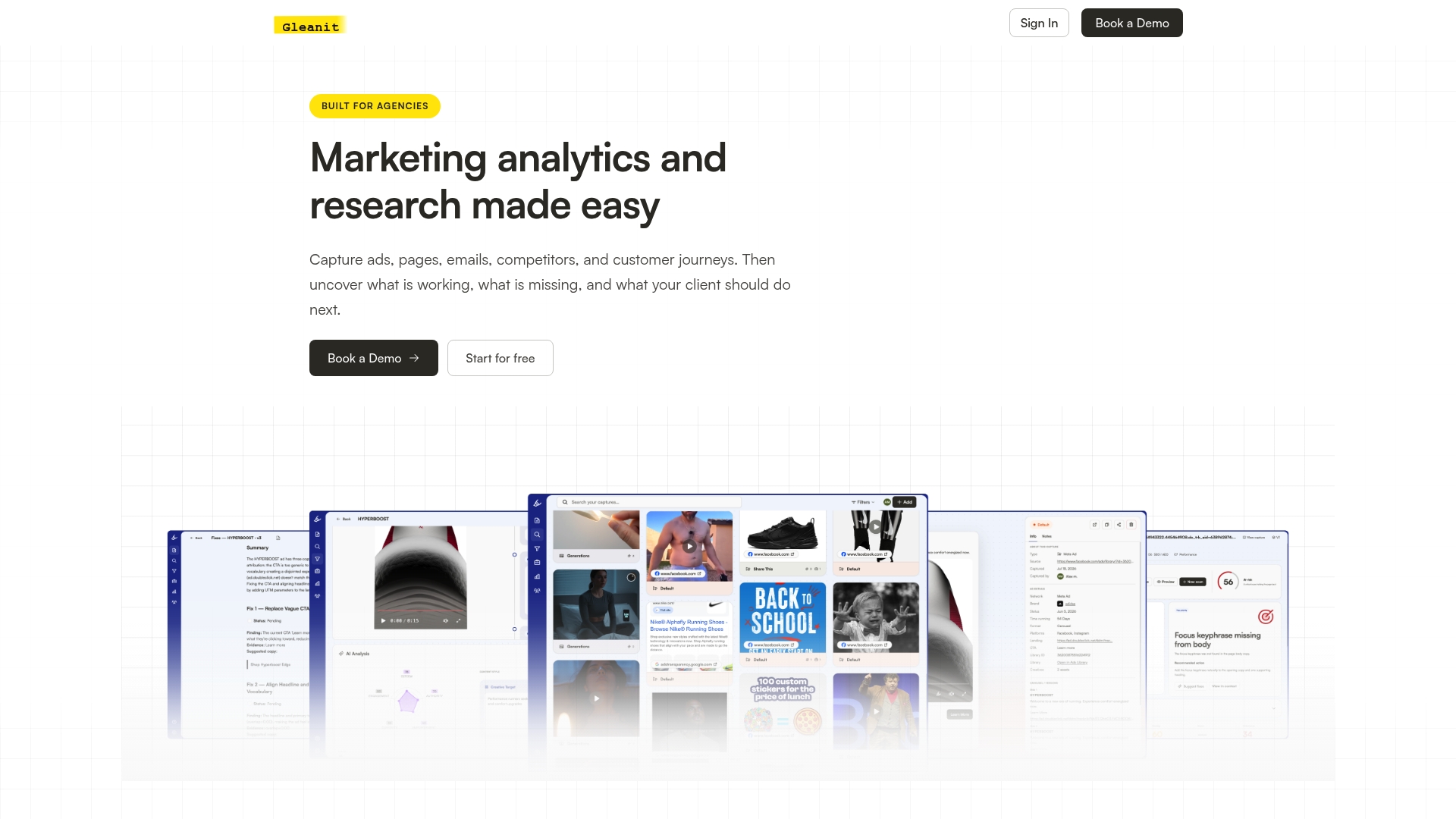
Instead of manually cross-referencing last-shown dates and variation counts, you get a connected view of competitor activity alongside your own funnel data, with AI-assisted reports ready to hand to a client or a strategist. If you’re already running the workflow described above by hand, the next step is straightforward: start a free trial at Gleanit and see how much of that research it can take off your plate this week.
Sources
Recommended
Corrections: ovannes@hearye.co or our editorial policy.