
This update to the WhatsApp integration layer is backward-compatible for most agency setups, so the immediate action is targeted testing, not an emergency hotfix. The changes affect webhook payload fields, message status handling, and a handful of message-type objects. If your parser reads fields defensively, you can monitor for a few days before touching production code.
TL;DR:
- Parsers should validate the new optional fields and update error-handling logic to accommodate more granular failure reasons.
- Testing should include referral objects, order details, and error arrays to ensure all message types and failure states are correctly handled.
- Deprecated fields are still operational but should be mapped for future removal, with a plan to phase them out before the next major update.
- Monitoring webhook schema changes through GitHub and error rate spikes helps catch mismatches early and maintain data integrity.
- Confirm message status progression and referral attribution work properly with test messages before reporting or automation updates.
Table of Contents
- What changed in this release
- Webhook schema and message objects: fields to watch
- Deployment checklist, rollout, and rollback guidance
- How to subscribe to release notes and stay ahead of changes
- Testing and monitoring checks after an update
- What this means for agency reporting and client SLAs
- How Gleanit keeps your WhatsApp reporting steady through updates
- Sources
- FAQ
What changed in this release
The latest round of WhatsApp client updates touches how webhook payloads are structured and how certain message types report their contents. None of the changes remove core functionality, but a few fields shift in how often they appear and what they contain.
- New optional fields on message objects for richer context, including additional metadata around referrals and order details.
- Clarified behavior for the errors array, which now surfaces more granular failure reasons per message.
- Status payloads carry more consistent timestamps across sent, delivered, and read events.
- A handful of older field names are marked for deprecation, though they still function for now.
- Server-side parsers that assume a fixed message shape are the most exposed; client-side display logic is largely unaffected.
The type definitions behind these payloads live in the WhatsApp Node.js SDK’s webhook types, which is the clearest reference for exact field names and optionality.
| Area | Status | Action needed |
|---|---|---|
| Webhook payload shape | Backward-compatible | Validate new optional fields |
| Message status timestamps | Changed format consistency | Update reporting queries |
| Deprecated fields | Still functional | Plan removal before next major version |
| Error array detail | Expanded | Update error-handling logic |
Webhook schema and message objects: fields to watch
Every webhook delivery still arrives as a WebhookObject with object set to whatsapp_business_account, wrapping one or more entries. Inside each entry’s ValueObject, you’ll find the fields that matter most for parsing: messaging_product, contacts, messages, metadata, errors, and statuses. These five fields define nearly everything your integration needs to reconcile a conversation thread with a business outcome.
Message objects themselves are optional-heavy by design. A single message can include any combination of text, image, interactive, order, referral, sticker, or system fields, depending on what the user sent or how the conversation started. The SDK’s type definitions list these as optional properties on the MessagesObject, alongside from, id, identity, timestamp, and type. If your parser hard-codes an expected set of fields instead of checking type first, this update is the moment to fix that.
A payload’s
errorsarray can appear at the top level of aValueObjector nested inside an individual message, and both locations need handling.
The error array deserves specific attention because it’s where delivery failures and policy violations typically surface. Build your test payloads to include:
- A standard text message with a clean delivery path, status escalating from sent to delivered to read.
- An interactive message (button or list reply) to confirm nested object parsing.
- A message carrying a populated
errorsarray to verify your failure-handling branch actually triggers. - A
referralobject on an inbound message to check that ad-click attribution still maps correctly.
Order messages and system messages are lower-frequency but worth a smoke test, since they contain fields (like line items or group participant changes) that generic text parsers tend to ignore entirely.
Deployment checklist, rollout, and rollback guidance
Treat this as a staged rollout rather than a flip-the-switch deploy. A few steps keep client-facing data intact while you validate the new fields.
- Run the old and new parser logic in parallel behind a feature flag, logging discrepancies without acting on them yet.
- Add any new optional fields to your schema as nullable columns rather than required ones, so missing data never breaks an insert.
- Keep deprecated field names mapped to their replacements in a compatibility layer instead of deleting them outright.
- Schedule any tenant-visible change (new report columns, altered status labels) for a low-traffic window, separate from the backend parser update.
- Keep a rollback path that reverts to the previous parser version without requiring a database rollback, since schema additions should be additive only.
Pro Tip: Log every payload that fails new validation for 48 hours before enforcing it, so you catch edge cases from real traffic instead of guessing at them.
How to subscribe to release notes and stay ahead of changes
Watching the webhook type definitions on GitHub directly is the most reliable way to catch a field change before it reaches your parser, since type updates usually land before broader announcements.
- Watch the SDK repository on GitHub and route new commits or releases into a dedicated engineering channel.
- Set alerts for spikes in webhook error rates, since a jump often signals a schema mismatch before anyone notices manually.
- Flag any regression in message-status progression (messages stuck at “sent” that never reach “delivered”) as a priority incident.
- Route update notifications into the same Slack, Telegram, or WhatsApp channels your team already uses for daily monitoring.
A unified dashboard that ingests these events alongside your other platform data makes it easier to spot a WhatsApp-specific anomaly instead of treating it as a one-off support ticket.
Testing and monitoring checks after an update
A short, prioritized test pass catches most regressions before a client notices anything.
- Confirm webhook subscription verification still completes with the expected
hub.mode,hub.challenge, andhub.verify_tokenexchange. - Send a roundtrip test message and confirm it progresses through sent, delivered, and read statuses correctly.
- Check that reporting pipelines pulling from message and status fields still attribute conversations correctly, especially around
referraldata used for ad attribution. - Run a synthetic burst of messages to confirm rate-limit handling and queueing behavior haven’t shifted.
- Add an automated health check to your CI pipeline that validates payload shape against the current schema on a recurring schedule.
Pro Tip: A scheduled job that replays last week’s payload sample against your parser catches silent regressions faster than waiting for a client to flag a missing report.
For broader workflow patterns on mapping these events into automation, the WhatsApp Business API integration guide from Opptymizer covers common rollout patterns worth cross-checking against your own.
What this means for agency reporting and client SLAs

The fields most likely to bend under this kind of update are the ones agencies report on weekly: message delivery status and conversion attribution tied to referral data. If your dashboards pull directly from raw status fields, test those first, before touching anything cosmetic.
My rule of thumb: validate anything a client sees in a weekly report before validating anything internal. A broken delivery metric erodes trust faster than a missing field in an internal log ever will. Gleanit’s frequent release cadence exists partly because small integration shifts like this one are constant, not occasional.
— Ovannes
How Gleanit keeps your WhatsApp reporting steady through updates
Chasing down a schema change across every client workspace by hand is the kind of work that eats an afternoon and still misses something. Gleanit’s automated monitoring pulls webhook and message events into one connected view, so a status regression or a parsing gap shows up as a flagged anomaly instead of a client’s angry message three days later.
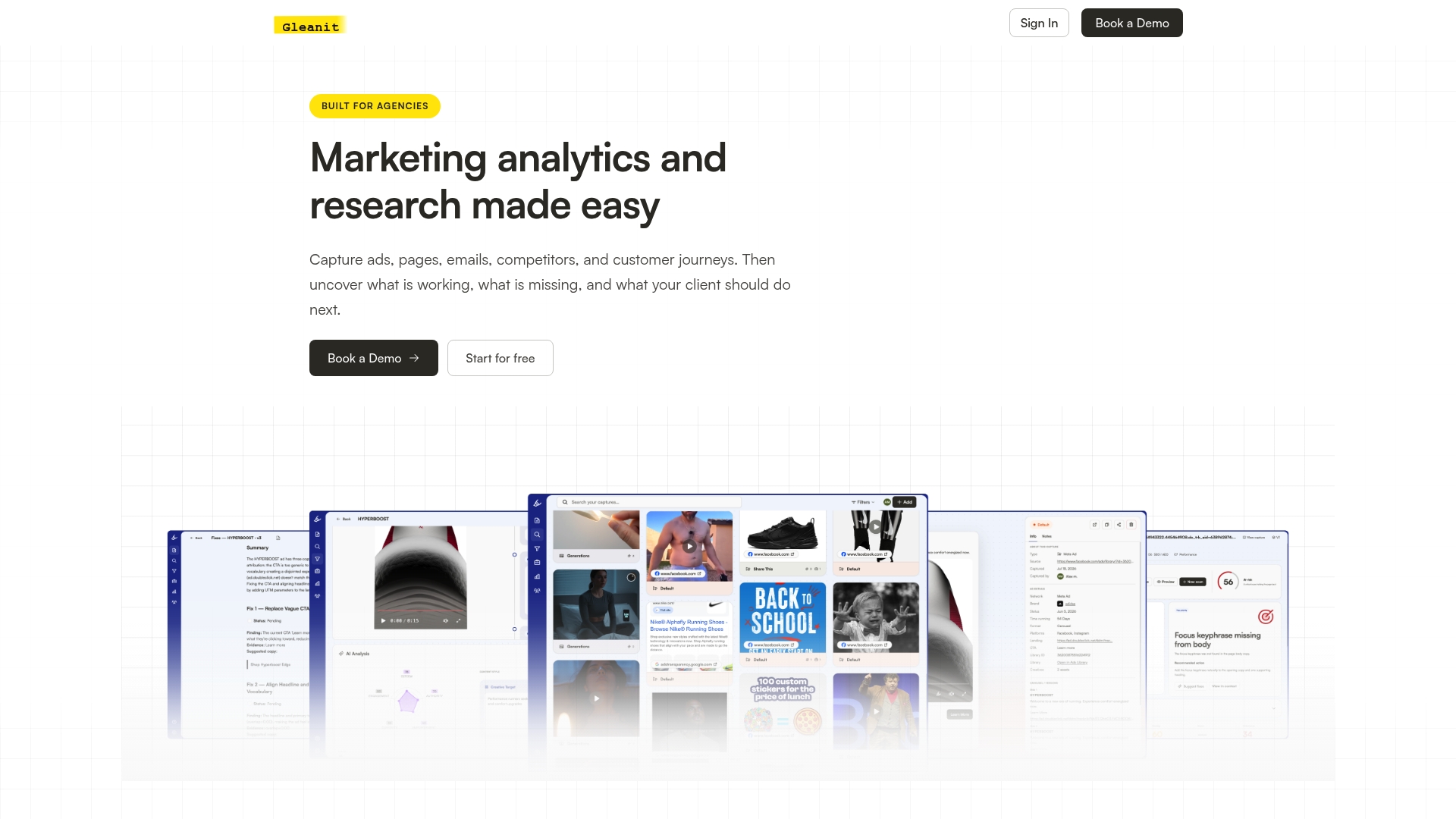
- Automated monitoring surfaces webhook and message-status anomalies without manual log digging.
- A unified dashboard keeps WhatsApp data next to your Meta, TikTok, and Google ad data for full-funnel context.
- A free marketing audit can surface integration gaps you didn’t know existed.
- An agency plan at $459 per month covers connected client workspaces built for exactly this kind of cross-platform monitoring.
If a client’s WhatsApp reporting has felt shaky after a recent change, start with the free audit and see what it finds before committing to anything.
FAQ
Is the latest WhatsApp client update breaking for existing integrations?
No, the current round of changes is backward-compatible for parsers that read fields defensively rather than assuming a fixed shape. Teams with rigid schema validation should still run targeted tests on the new optional fields before assuming everything passes cleanly.
What should I check first after a WhatsApp webhook update?
Start with message status progression (sent, delivered, read) and any referral or attribution fields feeding client reports, since those affect what clients see first. The webhook type definitions list the exact fields to validate against.
How do I get notified about future WhatsApp client updates?
Watch the SDK repository on GitHub directly, since schema changes typically appear there before wider announcements. Routing those updates into a team channel alongside your existing monitoring setup keeps the whole team informed without manual checking.
What happens if I ignore a deprecated webhook field?
Deprecated fields generally continue functioning for a transition period, but relying on them long-term risks a break once they’re removed in a future update. Mapping deprecated fields to their replacements in a compatibility layer avoids a scramble later.
Can Gleanit help monitor WhatsApp integration health automatically?
Gleanit’s automated monitoring and unified dashboard are built to surface anomalies like webhook errors or status regressions without manual log review. A free marketing audit is a practical way to see what it catches in your current setup.
Recommended
- Client Reporting Templates: Report in 45 Minutes
- Automate Marketing Reports for Agencies: Start With Data Governance
- Cut Report Prep to 1 Hour: AI Driven Figma Reports for Agencies
- Unified Marketing Dashboard: Faster Insights for Agencies
Corrections: ovannes@hearye.co or our editorial policy.