Part 1 of 3 · Capture
Capture what matters while you browse
Save a highlight or screenshot right on the live page, not in a separate doc. Every capture keeps its source URL, with room to write why it hit.
Save in context, not after the fact
Capture is the entry point of your research library. Speed at the moment of insight is non-negotiable — everything else builds on what you save here.
Text highlights on the live page
Select a quote, headline, or paragraph and save it where you found it. The highlight stays visible on the page, so context never disappears into a plain-text dump.
Notes & screenshots
Add a freeform note or grab a screenshot when the layout matters — pricing tables, ad creative, UX flows.
Source URL always attached
Every item remembers where it came from. Six months later you can open the original page, not hunt through bookmarks wondering which tab it was.
Annotate at save time
Write why something works while it's fresh — the mechanism, the trigger, what you'd steal. The capture is storage; the note is the learning.
Instant capture from the extension
Toolbar on the page you're reading. If saving takes more than a couple of clicks, you'll stop saving — so we optimize for frictionless capture first.
Full-page capture & reader view
Archive an entire article or PDF for offline reading. Useful when the page might change or disappear, still organized in the same library you search later.
RSS feed subscriptions
Subscribe to newsletter feeds — Substack, Beehiiv, and more. New posts import into your library automatically, so sources you follow land in the same place you highlight by hand.
Without capture, research evaporates
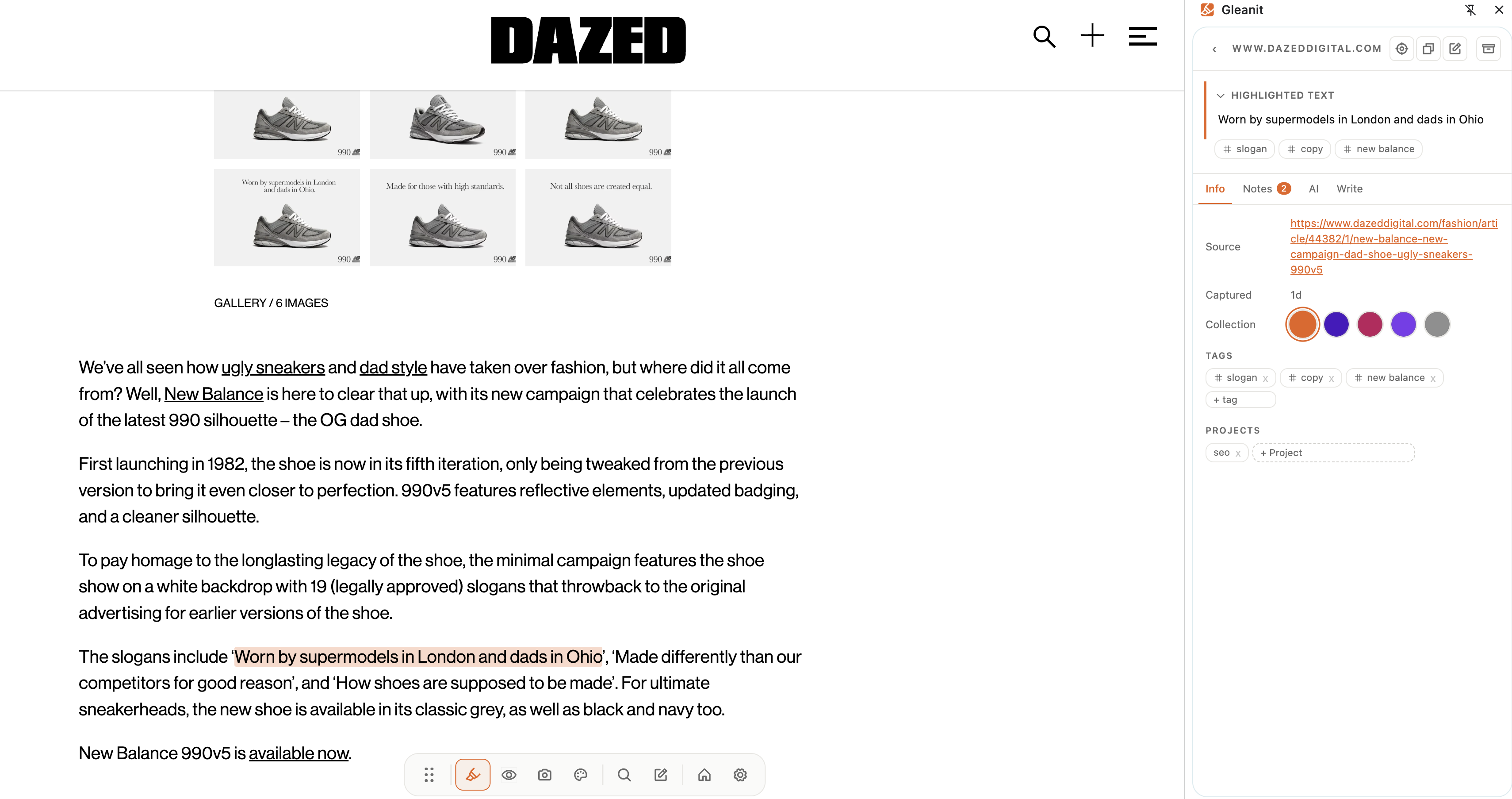
A capture in the wild
Quote + note at the moment you find it, ready to find later.
Saving is only half of it
You've captured the good stuff. Now you need to find it again when it matters, which is where collections, tags, and search come in.
Capture the next thing before you lose the tab
Install the extension and save your first highlight with a note on why it matters.
Add to browser (free) Sign up now (free)