
Cross platform ad tracking gives agencies a single, reconciled view of how clicks and conversions move across Meta, Google, TikTok, and the devices people actually use, which means fewer misattributed sales and a clearer read on real ROAS. The immediate fix for most teams is not a new platform: it’s auditing which identity signals you currently capture and turning on consent-aware tagging before anything else.
TL;DR:
- Relying solely on third-party cookies for cross-platform tracking is shrinking, making server-side tracking and first-party signals more critical for accurate attribution.
- Combining deterministic identifiers with probabilistic methods enhances accuracy, but privacy policies and browser restrictions increasingly limit fingerprinting reliability.
- Implementing consent mode and respecting user preferences improve data reliability, especially when paired with server-side capture and first-party identity collection.
- Regular reconciliation of server logs and platform reports helps identify tracking gaps caused by redirect issues, consent blocks, or signal loss.
- Agencies should prioritize auditing current signals, preserving click IDs, and standardizing event naming before scaling measurement infrastructure.
Table of Contents
- What cross platform ad tracking means and why it matters for agencies
- How cross platform tracking works: methods and trade-offs
- Privacy, consent, and measurement: what consent mode changes
- Step-by-step implementation checklist for agencies
- Choosing attribution models and KPIs that hold up
- Real-world use cases agencies can reuse
- How agencies operationalize this with Gleanit
- Where agency measurement investment should actually go
- Get a free audit before you rebuild your tracking stack
- FAQ
- Sources
What cross platform ad tracking means and why it matters for agencies
Cross platform tracking connects ad exposure and conversion data across different networks (Meta, Google, TikTok, LinkedIn). Cross device tracking links that same activity across a person’s phone, laptop, and tablet. Cross app tracking follows a user between a mobile app and a mobile browser, which is its own technical problem because apps don’t share cookies with Safari or Chrome. Agencies often use all three terms interchangeably, but a client asking why mobile app installs aren’t showing up in web analytics is really asking a cross app question, not a cross platform one.
The business case is straightforward: without a unified view, agencies report inflated or duplicated conversions, recommend budget shifts based on bad data, and struggle to defend blended ROAS to a client who sees different numbers in each ad platform’s dashboard. Getting this right changes which channels get budget and which creative gets paused.
A few terms come up constantly in this work and are worth defining once:
- Identity resolution: the process of matching signals (email hash, device ID, login state) to a single person or household across sessions.
- Cookieless: measurement that doesn’t rely on third-party cookies, often using modeled or aggregated signals instead.
- Server-side tracking: sending event data from your own server rather than relying solely on a browser pixel, which survives ad blockers and browser restrictions better.
- Click ID: a unique parameter (like GCLID) appended to a URL when someone clicks an ad, used to tie that click to a later conversion.
Once a team shares this vocabulary, conversations about “why the numbers don’t match” get a lot shorter.
How cross platform tracking works: methods and trade-offs
Most cross platform measurement rests on four approaches, and each has a ceiling.
Cookie-based tracking still works, but the distinction between first-party and third-party cookies matters more than ever. First-party cookies, set by the site the user is visiting, survive longer in most browsers. Third-party cookies, set by an ad platform’s pixel, are blocked by default in Safari and Firefox and are being phased out more broadly, which is why relying on them alone for cross-site stitching is a shrinking strategy.
App SDKs and advertising identifiers (IDFA on iOS, Advertising ID on Android) let mobile measurement partners connect an ad click to an app install or in-app event. Since Apple’s App Tracking Transparency changes, IDFA access requires explicit opt-in, so many agencies now lean on hashed identifiers (an email or phone number run through a one-way hash) to match users without exposing raw personal data.
Server-side tracking solves a specific, common failure: lost click IDs during redirects. Google’s own guidance notes that parallel tracking sends users directly to the final URL while measurement calls load separately in the background, and that tracking templates or a final URL suffix let advertisers preserve click parameters without resubmitting ads, provided the redirect is server-side and uses HTTPS. Fixing a broken redirect chain here often resolves the single largest source of attribution gaps agencies see.
Deterministic versus probabilistic matching is the core trade-off in identity resolution. Deterministic matching uses a known identifier, usually an email hash or CRM login, to connect activity with certainty. Probabilistic matching infers a connection from signals like IP address, device type, and browsing pattern, building what’s often called an identity graph. Deterministic matches are more reliable but require the user to log in or share an email; probabilistic matches scale further but introduce error.
Pro tip: Treat probabilistic matching as a supplement to deterministic data, never a replacement for it.
Fingerprinting, which tries to identify a device from a combination of browser and hardware characteristics, is increasingly unreliable as browsers actively randomize those signals to block it, and it carries real privacy and compliance risk. The NAI’s cross-device guidance places cross-device linking squarely under existing personalized advertising rules, meaning notice and opt-out aren’t optional extras bolted onto a fingerprinting approach: they’re required practice regardless of the matching method.
Privacy, consent, and measurement: what consent mode changes
Consent choices now directly determine what an agency can measure, not just what it can legally do with the data. Google’s consent mode lets a site pass a user’s cookie consent state to Google tags, which then adapt their behavior in real time. When a user denies consent, tags don’t read or write advertising cookies, but they can still send anonymized, cookieless pings that feed conversion modeling rather than individual-level tracking.

The consent mode reference documentation breaks this into specific consent types: ad_storage, analytics_storage, and ad_user_data. Denying ad_storage or analytics_storage blocks related cookies from being read or written, though limited signals like IP address or user agent may still be collected in anonymized form to support modeling.
The NAI’s guidance adds a second layer on top of this: cross-device linking for advertising purposes requires clear notice to users, an accessible opt-out, and documented efforts to pass that notice along when data is shared with partners. These aren’t abstract legal requirements: they shape what a consent banner needs to say and what your tag manager needs to respect.
Modeling can estimate conversions for the users who declined tracking, but it can’t recreate individual-level journeys. Treat modeled numbers as directional, not as a replacement for observed, consented data.
Consent mode in practice usually comes down to a short checklist:
- Confirm your consent management platform passes signals to Google tags in real time, not on page load only.
- Verify Google Tag Manager triggers respect denied consent states before firing ad tags.
- Test both consent-granted and consent-denied paths in a staging environment before launch.
- Review modeled conversion volume monthly against observed conversions to catch drift early.
Agencies that pair consent mode with server-side capture and first-party identity consistently get more reliable attribution than those relying on any single method, because no one signal survives every browser and privacy setting intact.
Step-by-step implementation checklist for agencies
Running this in order, rather than fixing issues as clients notice them, saves rework later.
- Audit existing identity signals. Catalog every point where you capture login state, email hashes, or CRM sync data, and flag gaps where a conversion event has no identity attached.
- Preserve click IDs end to end. Enable parallel tracking, set a final URL suffix where needed, and confirm redirects are server-side and HTTPS so GCLID and similar parameters survive the full click path.
- Standardize event naming and UTM structure. Agree on one naming convention across every campaign so a “purchase” event means the same thing in Google Ads, Meta, and your analytics platform; our UTM naming conventions guide covers a workable structure.
- Map every event to a business outcome. A “form submit” only matters if it’s tied to a pipeline stage or revenue figure the client cares about.
- Implement consent mode and confirm Tag Manager compliance. Test that tags actually change behavior when consent is denied, not just when it’s granted.
- Build a unified ingestion layer. Pull server-side order logs, CRM data, and platform exports into one place rather than reconciling spreadsheets manually; a unified dashboard approach makes this easier to maintain across multiple clients.
- Run a reconciliation process. Join your server-side order log, including preserved click IDs and timestamps, against each platform’s conversion export daily, and calculate a reconciliation rate to spot where click IDs are dropping.
Pro Tip: Keep a running log of reconciliation rate by platform and week: a sudden drop usually points to a broken redirect or a consent configuration change, not a real drop in performance.
Teams managing Google Ads specifically can lean on a dedicated monitoring checklist to catch tracking health issues before they show up in a client report.
Choosing attribution models and KPIs that hold up
No single attribution model tells the whole truth across platforms, so the choice is about trade-offs, not finding the “correct” one.
- Last-click attribution is simple and widely supported but systematically overcredits the final touchpoint, usually branded search or retargeting.
- Multi-touch attribution spreads credit across the journey but requires consistent tracking at every touchpoint, which cross-device gaps undermine.
- Data-driven attribution uses observed conversion paths to weight credit algorithmically, and works best with high conversion volume.
- Modeled attribution fills in the journeys you can’t observe due to consent or cross-device limits, and should be flagged as an estimate, not an observed fact.
Lean on conversion modeling when consent rates are low or cross-device journeys are common, and rely on observed conversions when you have strong first-party identity coverage. A workable KPI set for most agency reporting includes blended ROAS across platforms, total attributed revenue, customer lifetime value where the client has repeat purchases, and results from incrementality tests (holdout groups that isolate true causal lift). Our cross-channel attribution playbook walks through picking a model per client type.
When reporting to clients, show a confidence range or flag the modeled share of conversions explicitly rather than presenting every number as equally certain.
Real-world use cases agencies can reuse
A B2B SaaS client running social ads to drive trial signups can stitch email-hash identity with server-side event capture, tying a LinkedIn or Meta click directly to a trial signup days later, even when the signup happens on a different device than the click.
An ecommerce client losing GCLID in redirects can fix the leak with parallel tracking and a final URL suffix, then reconcile server-side order records against the platform’s reported conversions to report a true ROAS instead of an inflated or deflated one.
An app-and-web business can unify mobile SDK events with web conversion data using hashed identifiers, closing the gap where someone installs an app from an ad but completes their first purchase later on the web.
How agencies operationalize this with Gleanit
Running the checklist above by hand across several client accounts is where most agencies lose time. Gleanit automates monitoring of ads and customer journeys across Meta, TikTok, and Google in one connected view, flags funnel gaps as they appear, and prioritizes fixes by ROI impact instead of leaving that triage to a spreadsheet.
- Automated monitoring surfaces tracking breaks (like a dropped click ID) without a manual audit of each platform.
- Funnel gap detection highlights where a client’s journey loses identity signal between ad click and conversion.
- AI-assisted reporting turns the audit-to-fix cycle into a document a client can actually read.
The practical sequence mirrors the checklist: audit, monitor continuously, prioritize by ROI, then report.
Where agency measurement investment should actually go
Privacy-first measurement isn’t a temporary phase to wait out: it’s the permanent baseline. The agencies getting this right are putting their budget into first-party identity collection and server-side infrastructure, not into fragile fingerprinting workarounds that browsers are actively dismantling. Model conversions carefully, run incrementality tests where you can, and tell clients plainly which numbers are observed and which are estimated.
— Ovannes
Get a free audit before you rebuild your tracking stack
Most agencies don’t need to rebuild tracking from scratch: they need to know exactly where it’s broken first. Our free marketing audit checks for ad funnel gaps, missing identity signals, and server-side health issues across a client’s accounts, so you walk away with a prioritized fix list instead of a vague sense that “something’s off.”
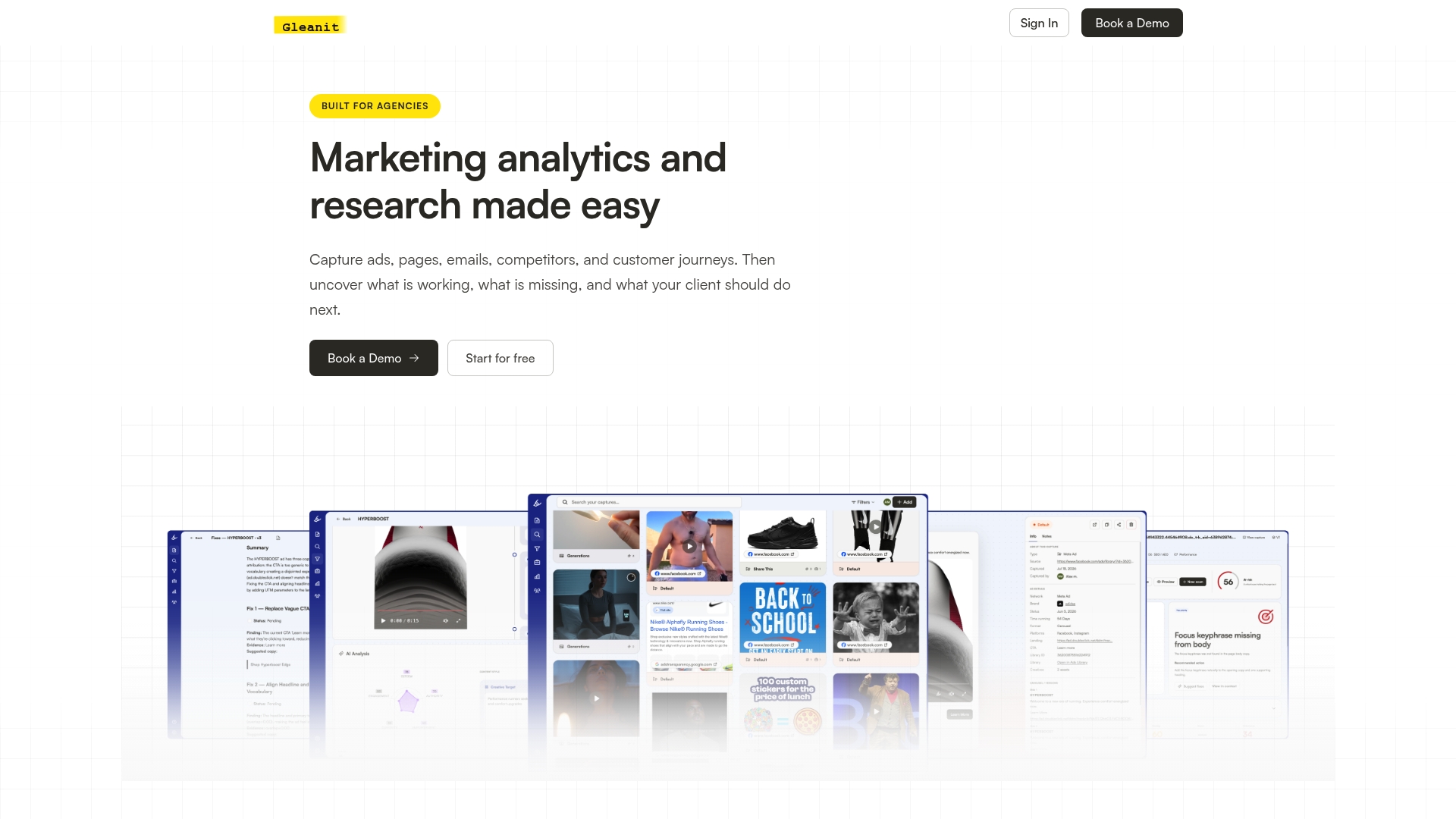
Agencies typically start with a free audit, move into a short demo of how Gleanit monitors Meta, TikTok, and Google in one workspace, then pilot it on a single client before rolling it out across the book of business. Plans run from Solo at $99 per month for individual consultants up to Agency at $459 per month for teams managing multiple clients, with additional users or client workspaces at $20 per month each.
| Step | What happens | Where to start |
|---|---|---|
| Audit | Free scan of ad funnel gaps and tracking health | Free marketing audit |
| Demo | Walkthrough of unified monitoring across platforms | Gleanit |
| Pilot | Test on one client workspace | Pricing |
| Roll-out | Add workspaces and seats as needed | Pricing |
If ad audits are your more immediate need, our free ad audit and free email audit cover creative and email-based identity signals specifically, and agencies running local campaigns alongside paid social often pair this work with a dedicated local rank tracking tool for the organic side of measurement.
FAQ
Should limit ad tracking be on or off?
Whether a device’s “limit ad tracking” or equivalent privacy setting is on depends on the individual user’s choice, not something an agency controls directly. What agencies can control is building measurement that respects whichever setting a user picks, using consent mode and modeled conversions to stay accurate without needing to override that choice.
What does cross-platform mean in ad tracking?
Cross-platform tracking means connecting a person’s ad interactions and conversions across different advertising networks, such as Meta, Google, and TikTok, into one reconciled view. It’s distinct from cross-device tracking, which follows the same person across multiple devices rather than multiple ad platforms.
What are the main types of online advertising?
Online advertising commonly includes search ads, display ads, social media ads, video ads, native ads, affiliate advertising, and email marketing. Each channel requires its own tracking approach, which is exactly why cross-platform measurement exists: to unify results across all of them into one report.
What’s the best way to track performance across social platforms?
There isn’t one universal app that covers every social platform equally well, since each network has its own ad manager and data export format. Most agencies instead combine server-side event capture, consistent UTM tagging, and a unified reporting layer like a connected dashboard to pull Meta, TikTok, and other platform data into a single consistent view.
Sources
Recommended
- 45 Minute LinkedIn Ads Competitor Audit for Agencies
- Build Reliable Post Cookie Attribution in 90 Days for Agencies
- One Afternoon TikTok Competitor Audit for Agencies, When to Automate
- Google Ads Transparency Guide for Marketers: Workflow & Tricks
Corrections: ovannes@hearye.co or our editorial policy.