
A marketing data anomaly is any sudden deviation from an expected pattern in your campaign or funnel data, a spike, a drop, or a break in the shape a metric normally takes. The first move is always the same: check whether it is a measurement problem (a broken pixel, a schema change) or an actual shift in performance before you touch budgets or creative. Seasonal-aware baselines and a statistical threshold like 0.95, the kind BigQuery’s anomaly detection uses by default, help separate the two.
TL;DR:
- Anomalies caused by schema drift, freshness failures, volume spikes or drops, statistical outliers, and attribution mismatches require different troubleshooting approaches.
- Short investigation windows, typically 10 to 30 minutes, should focus on common causes such as pixel failures, SDK issues, API sampling, or budget shifts.
- Detection methods range from simple statistical rules to seasonal models and machine learning, with sensitivity adjustable via thresholds like BigQuery’s default 0.95 probability cutoff.
- Validating anomaly causes involves comparing current data against historical periods, reviewing recent tag or platform changes, and checking for expected platform behavior.
- Automated alerts must be validated by analysts, and reporting KPI confidence scores alongside metrics reduces false alarms and builds trust in data reliability.
Table of Contents
- The main types of marketing data anomalies
- Common causes and how to triage them fast
- Choosing and tuning anomaly detection methods
- A step-by-step workflow for investigating an anomaly
- Why automation still needs an analyst in the loop
- The confidence gap no dashboard shows you
- Put automated anomaly monitoring to work
- FAQ
- Sources
The main types of marketing data anomalies
Not every anomaly needs the same response, so classifying it correctly saves hours of wasted investigation.
- Schema drift: a field changes type, name, or format in your data source, often after a platform API update, and breaks downstream reports without any real change in performance.
- Freshness failures: data stops updating on schedule, so a dashboard looks flat or stale even though the underlying campaign is still running.
- Volume anomalies: event counts jump or collapse unexpectedly, such as a sudden large drop in conversion events that usually points to a tracking pixel failure rather than a real demand change.
- Statistical outliers: a single day or campaign sits far outside the normal range for reasons that may be legitimate (a viral post) or not (bot traffic).
- Attribution mismatches: two platforms report different conversion counts for the same campaign because of differing windows or models, not because one is wrong.
Calendar-aware baselines matter here because engineered seasonality, like a planned product launch or a Black Friday push, looks identical to a genuine anomaly unless your model knows the promotion was scheduled. Once you know the type, the next step diverges: schema and freshness issues send you to the pipeline, volume and outlier issues send you to tracking, and attribution mismatches usually just need documentation.
Common causes and how to triage them fast
Most anomalies trace back to a short list of culprits, and the first 10 to 30 minutes of investigation should rule these out in order.
- Tracking pixel or server-to-server failures: a tag stops firing after a site update, silently zeroing out a segment of events.
- SDK drops: a mobile app update breaks the attribution SDK, cutting off in-app event reporting.
- API sampling: a platform returns sampled rather than full data during high-traffic periods, skewing smaller segments more than larger ones.
- Schema changes: a platform renames or restructures a field, breaking your ETL job without any alert.
- Attribution-window differences: two platforms count a conversion inside different lookback windows, producing numbers that will never fully match.
- Budget or pacing shifts: a campaign hits a daily budget cap and pacing throttles delivery, looking like a demand drop when it is a spend ceiling.
Diagnostics should move from broad to narrow: isolate which segment (device, geography, campaign) shows the anomaly, compare the current window against the same period last week and last month, check your tag managers’ publish history and server logs for recent changes, and pull the platform’s API error reports for failed calls or quota issues. A pixel verification checklist can shortcut the tracking half of this process.
Pro Tip: When two platforms disagree on conversion counts but each is internally consistent over time, it is usually an attribution-window difference, not a bug worth fixing.
Choosing and tuning anomaly detection methods
The right detection method depends on how much history you have and how much false-positive tolerance your team can stomach.
- Simple statistical rules: moving averages, z-scores, and rolling percentiles catch obvious spikes and work well with limited data, but they tend to flag normal weekly patterns as anomalies unless tuned carefully.
- Seasonal time-series models: these build in day-of-week and month-of-year rhythms, which is why calendar-aware baselines are worth the setup time for any account with recurring promotions.
- Machine learning detectors: these assign an anomaly probability score and can catch subtler, multivariate shifts, but they need enough historical data to learn normal behavior and are prone to drift if campaign structures change underneath them.
Every method carries a sensitivity trade-off. BigQuery’s anomaly detection function defaults to a 0.95 anomaly probability threshold, and analysts can lower that threshold to catch smaller deviations, at the cost of more false alarms that waste investigation time.
A key figure to anchor tuning decisions: BigQuery’s default anomaly probability threshold is 0.95, and lowering it increases sensitivity while raising the rate of false positives. That single knob is often the difference between an alert system analysts trust and one they learn to ignore.

Governance matters as much as the model choice. Measurement is shifting toward what eMarketer calls decision readiness, where first-party data and connected stacks make anomaly detection less about model sophistication and more about whether your data pipeline is clean enough to trust in the first place.
A step-by-step workflow for investigating an anomaly
Once an alert fires, a consistent process keeps the investigation from turning into guesswork.
- Triage immediately: isolate the affected segment, compare the anomalous window against the same period in prior weeks, and check whether the deviation is platform-wide or limited to one channel.
- Validate the data path: review your tag manager’s recent publish history, pull server logs, check partner receipt counts, and scan API error logs for failed requests.
- Confirm or rule out expected variance: cross-reference attribution-window differences and platform pacing behavior before assuming something is broken.
- Remediate: roll back a bad tag change, patch the broken schema mapping, reprocess the affected data window, and annotate the dashboard so future analysts see the explanation.
- Rebaseline and monitor: update your seasonal baseline if the shift turns out to be real and permanent, then set a monitoring threshold tuned to the new normal.
- Document and score: log the root cause in a shared record and add a confidence or health score to the affected KPI widget so stakeholders know how much to trust the number going forward.
Agencies running this same check across Meta and Google Ads accounts tend to compress this workflow into a repeatable checklist rather than a one-off fire drill.
Why automation still needs an analyst in the loop
Automated alerts catch anomalies faster than any manual review, but they only work when someone validates what the system flags. A 2026 survey found that 44.7% of marketers use AI for lead scoring and budgeting without manual review, which raises the risk that flawed inputs drive automated spend decisions unchecked.
Gleanit provides specialized marketing analytics and research tools designed for agencies to optimize operations and deliver superior client value, at Gleanit. Automated monitoring across Meta, TikTok, and Google, paired with prioritized funnel-gap fixes and weekly feature updates, fits directly into the triage and remediation steps above.
- Assign clear alert ownership so no flagged anomaly sits unreviewed.
- Set an SLA for first-pass triage, ideally under an hour for high-spend accounts.
- Log a confidence index on each KPI widget rather than presenting raw numbers alone.
Pro Tip: Treat every automated alert as a hypothesis, not a verdict, until a human checks the measurement path.
The confidence gap no dashboard shows you
The real risk in marketing data is not the anomaly itself, it is the gap between what a dashboard displays and what an analyst actually knows about its reliability. A number without context looks authoritative even when the pipeline behind it is shaky. The cultural fix I push hardest is simple: report every KPI alongside a confidence or health score, not as a footnote but as part of the number itself. In my work reviewing campaign data across agencies, the teams that adopted this habit caught fewer false alarms and wasted less time arguing about numbers that were never comparable to begin with.
— Ovannes
Put automated anomaly monitoring to work
We built our platform around the triage problem this article covers: automated monitoring across multiple platforms that surfaces funnel gaps and prioritizes the fixes most likely to move ROI, with new capabilities shipped frequently so monitoring keeps pace with platform changes.
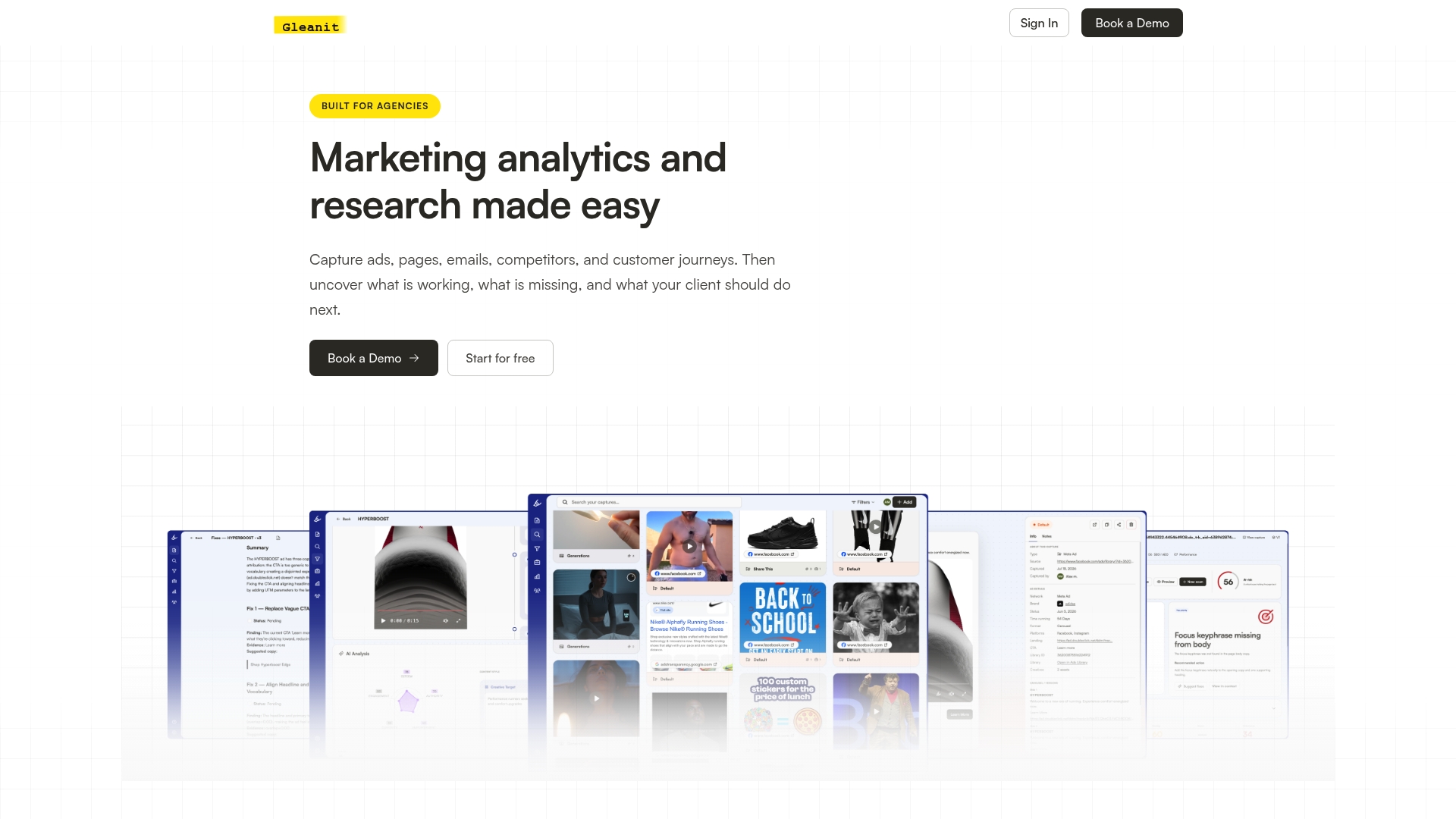
A free ad audit or free marketing audit is the fastest way to see where your own tracking and funnel data have drifted, using the same measurement-versus-performance checks laid out above. Start with either audit, then explore plans on our pricing page when you are ready for ongoing monitoring.
FAQ
What are some examples of data anomalies?
Common examples include a sudden 40% drop in tracked conversion events after a broken tracking pixel, a schema change that breaks a report overnight, or a dashboard that stops refreshing because of a freshness failure. Attribution mismatches between two ad platforms reporting different conversion counts for the same campaign are also common and often expected rather than broken.
What are the market anomalies?
In marketing analytics, “anomalies” usually refers to unexpected deviations in campaign or funnel data rather than the financial-markets concept of market anomalies. The practical types that matter to marketers are schema drift, freshness failures, volume anomalies, statistical outliers, and attribution mismatches.
What are the three main types of data anomalies?
Definitions vary by source, but a common grouping used in marketing analytics covers volume anomalies (sudden spikes or drops in event counts), schema or structural anomalies (unexpected changes in data format), and attribution or consistency anomalies (mismatches between platforms or time periods). Classifying an anomaly into one of these groups determines whether you check tracking, pipelines, or attribution settings first.
What are the three data anomalies?
This question often points to the same core groupings: volume anomalies, schema or structural changes, and attribution or measurement mismatches. Each points to a different fix, tracking repair, pipeline patch, or simply documenting an expected platform difference.
Sources
- BigQuery ML: detect_anomalies
- Marketers’ trust in their data hasn’t caught up with their AI goals (Validity survey coverage)
- Marketing data trends 2026
Recommended
- Monitor Meta Ads in 10 Minutes: 2026 Automation First Workflow for Agencies
- Automate Marketing Reports for Agencies: Start With Data Governance
- Unified Marketing Dashboard: Faster Insights for Agencies
- Build Reliable Post Cookie Attribution in 90 Days for Agencies
Corrections: ovannes@hearye.co or our editorial policy.