
The fastest path to reliable LinkedIn ad monitoring combines Campaign Manager for live checks with automated Reporting API dashboards for continuous tracking. Watch impressions, clicks, CTR, CPC, conversions, and cost daily, then layer in engagement signals like comments and shares. None of it works without clean tracking first: UTM parameters and third-party tags need to be in place before the numbers mean anything.
TL;DR:
- Accurate LinkedIn ad monitoring requires proper setup of UTM parameters, conversion tracking, and third-party tags before analyzing campaign data.
- Daily checks should focus on spend pacing and CTR, while weekly reviews should analyze conversions and audience insights for effective optimization.
- Use the Reporting API to automate performance reports, ensuring to request only necessary fields and break queries into smaller chunks to avoid errors.
- Prioritize fixes based on funnel drop-offs, creative engagement, and audience targeting, while verifying tracking integrity to prevent misinterpreting data.
- Automating the monitoring process with platforms like Gleanit helps manage multiple client accounts efficiently and promotes consistent, team-wide optimization habits.
Table of Contents
- Which LinkedIn metrics matter and how to read Campaign Manager dashboards
- Set up conversion tracking, Lead Gen Forms, UTM and third-party tags
- Automate reporting with the Reporting API and scheduled dashboards
- Diagnose performance and prioritize high-ROI fixes
- Qualitative signals and a continuous monitoring cadence
- How an agency monitoring workflow comes together with Gleanit
- Monitoring as a team habit, not a one-time setup
- Try Gleanit for automated LinkedIn ad monitoring
- FAQ
- Useful sources and references
Which LinkedIn metrics matter and how to read Campaign Manager dashboards
Every metric means something different depending on what you told LinkedIn to optimize for. A campaign built for awareness should be judged on impressions and CPM, not conversions. A lead generation campaign lives or dies on leads and cost per lead. Matching the objective to the right metric is the first triage step, and skipping it is how teams end up optimizing the wrong number for weeks.
The core metrics to track on any campaign:
- Impressions and reach, which show how far your budget is stretching
- Clicks and CTR, which reveal whether the creative and targeting are landing
- CPC and cost, which track efficiency against budget
- Conversions and cost per conversion, which tie spend to business outcomes
- Engagement (likes, comments, shares), which signals resonance beyond the click
Demographic pivots in Campaign Manager break results down by job title, seniority, company size, and industry, surfacing which audience segments actually convert. Low-volume segments with few impressions are usually too noisy to act on, so treat them as directional rather than conclusive.
Pro tip for dashboard triage: check spend pacing and CTR daily, review conversion trends and audience pivots weekly, and save deeper attribution analysis for monthly reviews. The Reporting API documentation notes that its Ad Analytics endpoint supports pivoting by up to three dimensions at once, which is usually enough to isolate the segment driving a trend.
Set up conversion tracking, Lead Gen Forms, UTM and third-party tags
Accurate monitoring depends entirely on what you track and how. Get this wrong and every dashboard downstream inherits the error.
- Install the LinkedIn Insight Tag on your site and verify it fires on key pages before trusting any conversion number.
- Define conversion actions in Campaign Manager (form fills, purchases, sign-ups) and confirm each one is attributed to the right campaign.
- Connect Lead Gen Forms to your CRM or a native integration so leads flow out of LinkedIn automatically instead of sitting in a CSV export.
- Apply UTM parameters to every destination URL, using dynamic UTM tracking at the campaign level when you want parameters resolved automatically across many creatives rather than typed manually into each one.
- Add third-party tracking tags (DoubleClick) when your stack requires them, but use click tags rather than landing page wrappers. LinkedIn’s documentation warns that running both at once can double-count clicks.
One detail that trips up a lot of teams: once a share is live, UTM edits are only allowed on parameters that already start with utm_. You cannot retroactively change the destination domain or add unrelated query parameters without triggering a new ad review.
Pro tip: If you’re pulling data through the API, confirm your app has r_ads, r_ads_reporting, and w_organization_social permissions before building anything, and check that you’re on a current API version. LinkedIn has flagged older marketing API versions for deprecation and recommends migrating ahead of the cutoff rather than after something breaks.
Automate reporting with the Reporting API and scheduled dashboards
Manual exports do not scale past a handful of campaigns. The LinkedIn Reporting API offers three finder methods worth knowing: Analytics for standard performance metrics, Statistics for aggregated roll-ups, and AttributedRevenueMetrics for revenue tied back through a connected CRM. AttributedRevenueMetrics requires that CRM connection and only accepts date ranges between 30 and 366 days, so it is not built for same-day checks.
A few constraints shape how you should structure requests:
- Each call to the Ad Analytics API returns only impressions and clicks unless you explicitly request other fields, and it caps out at 20 specific metrics per request.
- Demographic pivot data is retained for two years, which is enough for year-over-year benchmarking but not indefinite history.
- Rate limits and response size limits mean large pulls need to be broken into smaller, targeted queries rather than one request for everything.
| Cadence | What to pull | Primary use |
|---|---|---|
| Daily | Spend, impressions, CTR, delivery pacing | Catch pacing and delivery issues early |
| Weekly | Conversions, CPL, audience pivots | Sprint-level optimization decisions |
| Monthly | AttributedRevenueMetrics, full funnel view | Budget and attribution reporting |
Common workflows include piping the API into a BI tool, connecting it to Google Sheets through a connector for lighter-weight teams, or scheduling exports that land in a shared drive each morning. Whichever route you pick, request only the fields you need. Oversized or overly broad queries are the usual cause of 414 and 429 errors, and splitting a request into smaller pivots (by campaign group instead of account-wide, for example) generally resolves both.
Diagnose performance and prioritize high-ROI fixes
Monitoring only pays off when it changes what you do next. A simple framework helps turn a dashboard full of numbers into a short list of fixes worth making.
- Check funnel economics first. Where does the drop-off happen: impressions to clicks, clicks to conversions, or conversions to revenue?
- Test creative resonance. High impressions paired with a weak CTR usually points to creative fatigue or a mismatched hook, and a refreshed ad variant is the fastest test.
- Look at audience fit. Strong CTR but weak conversion often means the click is cheap but the audience isn’t the buyer. Demographic pivots can confirm which segments are clicking without converting.
- Verify tracking integrity last, not first. A sudden conversion drop is sometimes a broken tag, not a real performance problem.
Not every fix deserves equal attention. Weigh each potential change by its likely impact, your confidence that it will work, and the effort to ship it. A landing page tweak that’s quick to deploy and backed by strong signal should usually jump the queue ahead of a full creative overhaul with uncertain payoff. The Optiarts guide on raising return on ad spend covers this kind of prioritization thinking in more depth.
Pro tip: Treat demographic pivots as a hypothesis generator, not a verdict. A segment with only a handful of conversions can look dramatically better or worse than it actually is, so confirm any pattern over at least a couple of weeks before reallocating budget.

When a pivot does hold up over time, it is one of the more reliable ways to find where budget is being wasted, since it is tied directly to documented retention windows rather than a one-off snapshot.
Qualitative signals and a continuous monitoring cadence
Numbers tell you what happened. Comments and shares often tell you why. A spike in comments, even some negative ones, usually signals emotional engagement worth watching, and logging that alongside your quantitative dashboard gives future creative decisions more context than CTR alone.
A workable cadence looks like this:
- Real-time alerts for sudden spend spikes or a delivery pause, so nothing burns budget unnoticed overnight.
- Daily ops checks on pacing, CTR, and cost per result.
- Weekly sprints reviewing conversions, audience pivots, and creative performance side by side.
- Monthly attribution reviews pulling in CRM-connected revenue data for the full picture.
Set alert thresholds that match your account’s normal variance: a spend spike well above typical daily pacing, a CTR drop of more than a few percentage points from baseline, or a conversion rate drop that holds for more than a day or two rather than a single noisy hour. Scanning competitor ad libraries on a similar cadence, a practice covered in our ad library guide, rounds out the picture by showing when a competitor launches new creative or shifts messaging.
How an agency monitoring workflow comes together with Gleanit
Everything above is doable manually, but doing it across a dozen client accounts is a different problem. We built the platform around automated monitoring across LinkedIn, Meta, TikTok, and Google, so campaigns get checked continuously instead of whenever someone remembers to log in. The funnel gap detection flags where a client’s journey breaks down, and prioritized recommendations rank fixes by expected impact so agencies spend time on what moves results. New features ship frequently, which keeps the workflow current as platforms change their reporting.
For applied templates, our 45-minute LinkedIn ads competitor audit and ad library guide walk through hands-on versions of the monitoring steps above.
Before choosing any monitoring tool, ask a vendor:
- Does it pull data automatically, or does someone still need to export manually?
- Does it flag funnel gaps, or just display metrics?
- How often does it ship updates as ad platforms change?
Monitoring as a team habit, not a one-time setup
The setup that works is simple: Campaign Manager for daily reads, tracked conversions for accuracy, and automated dashboards so nothing depends on someone remembering to check. What separates teams that improve steadily from ones that stall is whether monitoring becomes a habit or a one-off project. Try the 45-minute audit template this week, and if the monitoring and reporting side feels heavier than it should, our free ad audit is a quick way to see what’s slipping through.
— Ovannes
Try Gleanit for automated LinkedIn ad monitoring
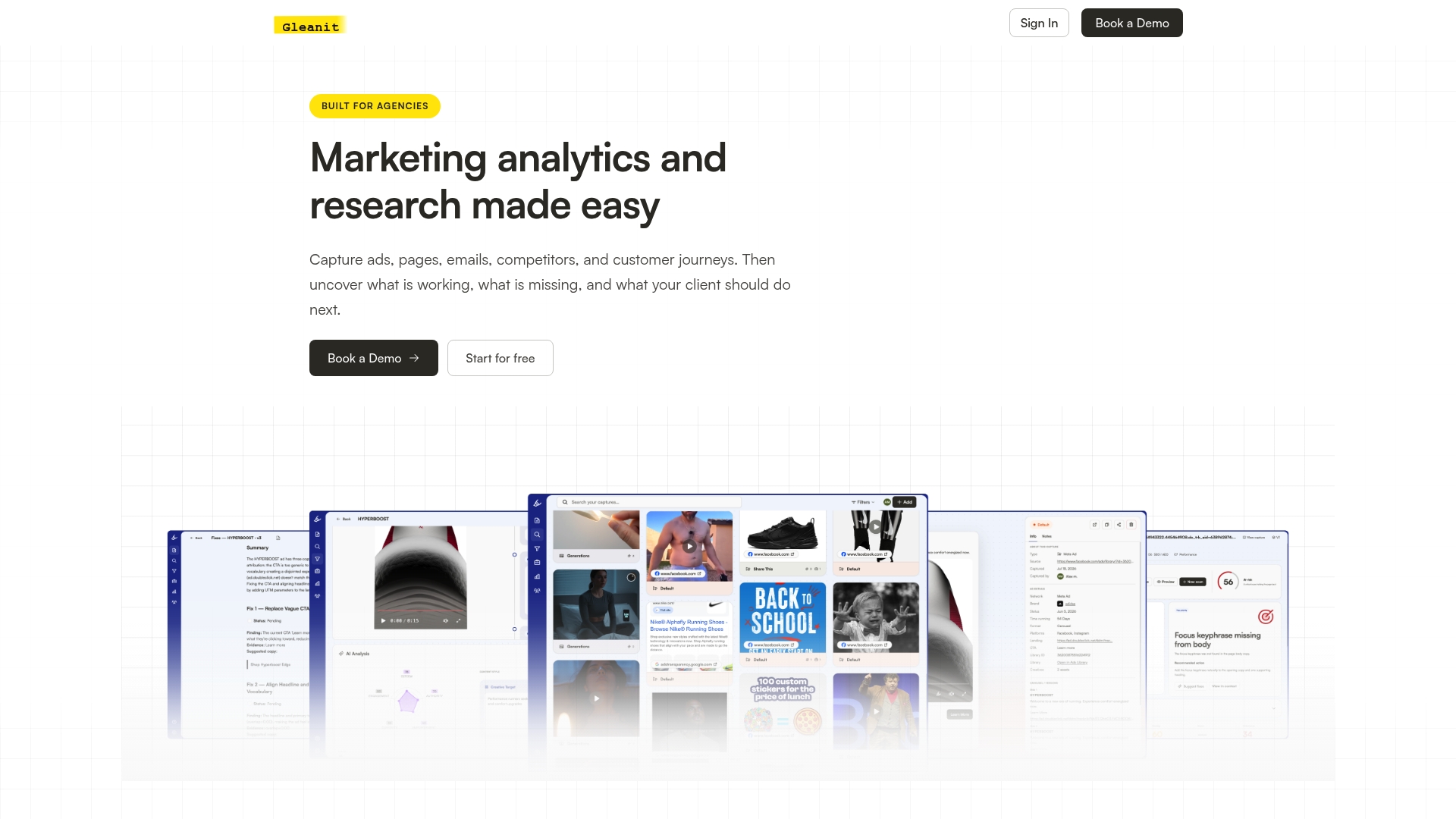
Everything in this guide works with free, native LinkedIn tools. Where it gets heavier is running it across many client accounts by hand, which is the gap we built Gleanit to close: automated monitoring across platforms, funnel gaps flagged automatically, and reports ready to hand to a client without rebuilding a spreadsheet each week.
- Request a free ad audit to see where your current LinkedIn setup is leaking performance.
- Compare Solo and Agency plans if you’re ready to automate reporting across multiple clients.
FAQ
What is the 4-1-1 rule on LinkedIn?
The 4-1-1 rule is a content ratio guideline suggesting that for every one self-promotional post, you share four pieces of third-party or curated content and one soft promotional piece. It originated as general social media advice rather than a LinkedIn-specific or ad-platform rule, so treat it as a content mix heuristic rather than a fixed policy.
What is the 95-5 rule on LinkedIn?
Most of your audience isn’t actively in a buying window at any given moment, so the bulk of content should build awareness and trust rather than push for an immediate sale. It’s a marketing framework for pacing content and offers, not a LinkedIn platform setting.
How do you track campaign performance?
Track performance by mapping your campaign objective to the right metric, setting up conversion tracking and Lead Gen Forms, applying UTM parameters to every destination link, and pulling results through Campaign Manager dashboards or the Reporting API. Review pacing and CTR daily, conversions weekly, and full attribution monthly once CRM data is connected.
How much does LinkedIn Campaign Manager cost?
Campaign Manager itself is free to use; what you pay for is the ad spend you set through your campaign budgets and bids. Reporting and account management tools inside Campaign Manager carry no separate license fee.
Useful sources and references
These are the official references behind the tracking, reporting, and permissions details covered above, along with related guides for applying them.
Recommended
- 45 Minute LinkedIn Ads Competitor Audit for Agencies
- Monitor Meta Ads in 10 Minutes: 2026 Automation First Workflow for Agencies
- The LinkedIn Ad Library Guide Every Marketer Needs
Corrections: ovannes@hearye.co or our editorial policy.