
A usable WhatsApp client report focuses on core deliverables such as sent, delivered, read, and clicked, their correctly calculated rates, consent status, and a linked conversion signal, not raw activity counts. The essential metrics are sent, delivered, read, clicked, and attributed conversions. This guide covers the formulas, the API constraints behind them, and a sample report structure you can reuse with any client.
TL;DR:
- Use a fixed timezone for all reports to avoid skewing delivery and read rates caused by partial days at timezone edges.
- Separate template approval status and failure reasons from performance metrics to distinguish between creative issues and delivery problems.
- Map WhatsApp clicks to specific funnel conversions such as add-to-cart or purchase, and include conversion value alongside costs to accurately measure ROI.
- Cross-check message-level exports for complete and accurate data, ensuring status, timestamps, and billing info are correctly populated before sharing with clients.
- Focus reports on decision-making insights like KPIs, trends, anomalies, and next actions, rather than just activity lists, to drive client strategies effectively.
Table of Contents
- Core WhatsApp metrics and how to calculate them
- Template analytics, approval gating, and what the APIs expose
- Inbox and SLA reporting for support teams
- Attribution and measuring WhatsApp ROI
- Exports, tabular reports, and auditing message-level data
- Designing client-facing WhatsApp reports that drive decisions
- Agency trade-offs when reporting WhatsApp
- Gleanit: speed and accuracy for WhatsApp client reporting
- FAQ
- Sources
Core WhatsApp metrics and how to calculate them
Every WhatsApp report starts with five counts: sent, delivered, read, replied, and clicked (button or URL clicks). Cost metrics, including cost per delivered and cost per click, sit alongside these once a campaign involves paid template sends. The confusion usually isn’t the counts themselves, it’s the denominators used to turn them into rates.
- Delivery rate = delivered ÷ sent
- Read rate = read ÷ delivered
- Click-through rate (CTR) = unique clicks ÷ delivered
- Conversion rate = attributed conversions ÷ clicks, or ÷ delivered if that’s your team’s agreed convention, stated explicitly in the report
Pick one denominator for conversion rate and name it in every report. Switching between “per click” and “per delivered” from one month to the next makes trend lines meaningless.
Timezone handling also trips up a lot of reporting. Template analytics default to UTC unless the WhatsApp Business Account timezone is configured, so a “daily” number can shift by several hours depending on where your data pull runs. Set a fixed timezone for every recurring report and keep date ranges consistent (full calendar weeks or months) so delivery and read rates aren’t skewed by partial days at either edge.

Template analytics, approval gating, and what the APIs expose
Template Analytics, available through the Template Analytics endpoint, reports sent, delivered, read, clicked, and cost at daily granularity, broken out per template and template ID. This is the backbone of most WhatsApp client reports, but it has a gap worth flagging up front: it does not tell you whether a template was approved, rejected, or why a message failed to deliver.
- Report template approval status and delivery failure reasons as their own fields, separate from performance metrics, so a low delivery rate isn’t mistaken for weak creative when it’s actually an approval or formatting issue.
- Treat cost and cost-per-delivered fields as part of the standard template report whenever paid sends are involved.
- Pull conversion metrics only from the Insights API, not Template Analytics, since template-level reporting doesn’t include conversion events on its own.
Conversion data becomes available through the Insights API only when the business reports offsite conversions via Meta Pixel or the Conversions API. Without that signal, conversion rows in a client report simply won’t populate, and that limitation belongs in the report notes, not buried in a footnote nobody reads.
Inbox and SLA reporting for support teams
Support teams need a different lens than marketing: conversation-level SLAs rather than campaign-level rates. The core set includes first response time, resolution time, CSAT, and auto-resolution rate, each segmented by conversation category since marketing, utility, and service conversations carry different response expectations.
- First response time: median and 95th percentile, not just the average
- Resolution time: time from first message to conversation close
- CSAT: post-conversation satisfaction score where collected
- Auto-resolution rate: share of conversations closed without a human agent
Segmenting by conversation type matters because a service conversation opened after a failed delivery has a tighter expected SLA than a marketing conversation a customer opts into browsing at their own pace. Reporting both under one blended “response time” number hides which queue actually needs more staffing.
Pro Tip: Use medians and 95th percentiles for response-time metrics instead of averages, since a handful of slow overnight replies can distort an average into something that doesn’t reflect what most customers actually experience.
Attribution and measuring WhatsApp ROI
Template Analytics and the Insights API answer different questions, and conflating them is the most common attribution mistake in WhatsApp reporting. Template Analytics covers sent, delivered, read, clicked, and cost. The Insights API adds conversion events such as add-to-cart, checkout, and purchase, but only when the business owns a Meta Pixel or Conversions API integration that reports those events back.
- Map WhatsApp clicks to specific funnel events (add-to-cart, checkout, purchase) rather than a single generic “conversion.”
- Show conversion value alongside cost-per-delivered so ROI reads as a ratio, not an isolated click count.
- State attribution rules explicitly in the report (lookback window, which touchpoint gets credit) since WhatsApp doesn’t offer in-thread conversion optimization the way some ad platforms do.
Template-level data alone can’t show you a conversion. Without Pixel or CAPI signals flowing back to Meta, the most a WhatsApp report can honestly claim is engagement (reads, clicks), and any report that shows a “conversion” column without naming its data source is asking the client to trust a number nobody can verify.
Exports, tabular reports, and auditing message-level data
Aggregate rates are useful for a dashboard, but disputes get resolved at the message level. A tabular, row-per-message export should include: message ID, phone number ID, timestamp with timezone, delivery status, failure reason, template ID, button click detail, billing classification, and cost.
Run a full export whenever you’re reconciling a campaign’s final numbers, a client disputes a delivery count, or a compliance request requires message-level evidence. Before sending any export to a client, run this check:
- Confirm every row has a non-null status and, where applicable, a failure reason.
- Verify timestamps use the agreed timezone, not a mix of UTC and local time.
- Cross-check total row count against the aggregate dashboard number for the same date range.
- Confirm billing classification and cost columns are populated for every billable message.
Designing client-facing WhatsApp reports that drive decisions
Activity reporting lists what happened. Decision reporting tells the client what to do next, and the second kind belongs on page one. A client scrolling past ten charts to find “what should we change” has been handed a dashboard, not a report.
- Top-line KPIs: delivery rate, read rate, CTR, conversion rate, cost-per-delivered
- Trends: week-over-week or month-over-month movement on each KPI
- Anomalies: anything outside the normal range, flagged with a likely cause
- Decisions and risks: what needs client sign-off or budget action
- Next actions: specific, owned, dated
A weekly digest keeps stakeholders oriented, a monthly deep-dive covers trend analysis and segment performance, and a campaign post-mortem closes out anything with a defined end date. Our client reporting templates and campaign post-mortem template follow this same structure if you want a starting layout.
Pro Tip: Automate the narrative summary line for each KPI (what changed, by how much, likely cause) so the analyst’s time goes into judgment calls, not retyping the same sentence structure every week.

Agency trade-offs when reporting WhatsApp
Most WhatsApp reports fail by including too much activity and too few decisions. Agencies that settle on a predictable cadence and pre-agreed attribution rules spend less time arguing over whose number is right. Automation tools, Gleanit among them, cut down the manual reconciliation that eats the hours between a data pull and a client-ready page.
— Ovannes
Gleanit: speed and accuracy for WhatsApp client reporting
Pulling template analytics, inbox SLAs, and conversion data into one client-ready narrative usually means stitching together exports from three different places by hand. We built a tool to consolidate that work: automated monitoring across messaging and ad channels feeds into one connected view, with AI-assisted report generation turning raw numbers into the kind of decision-first summary covered above.
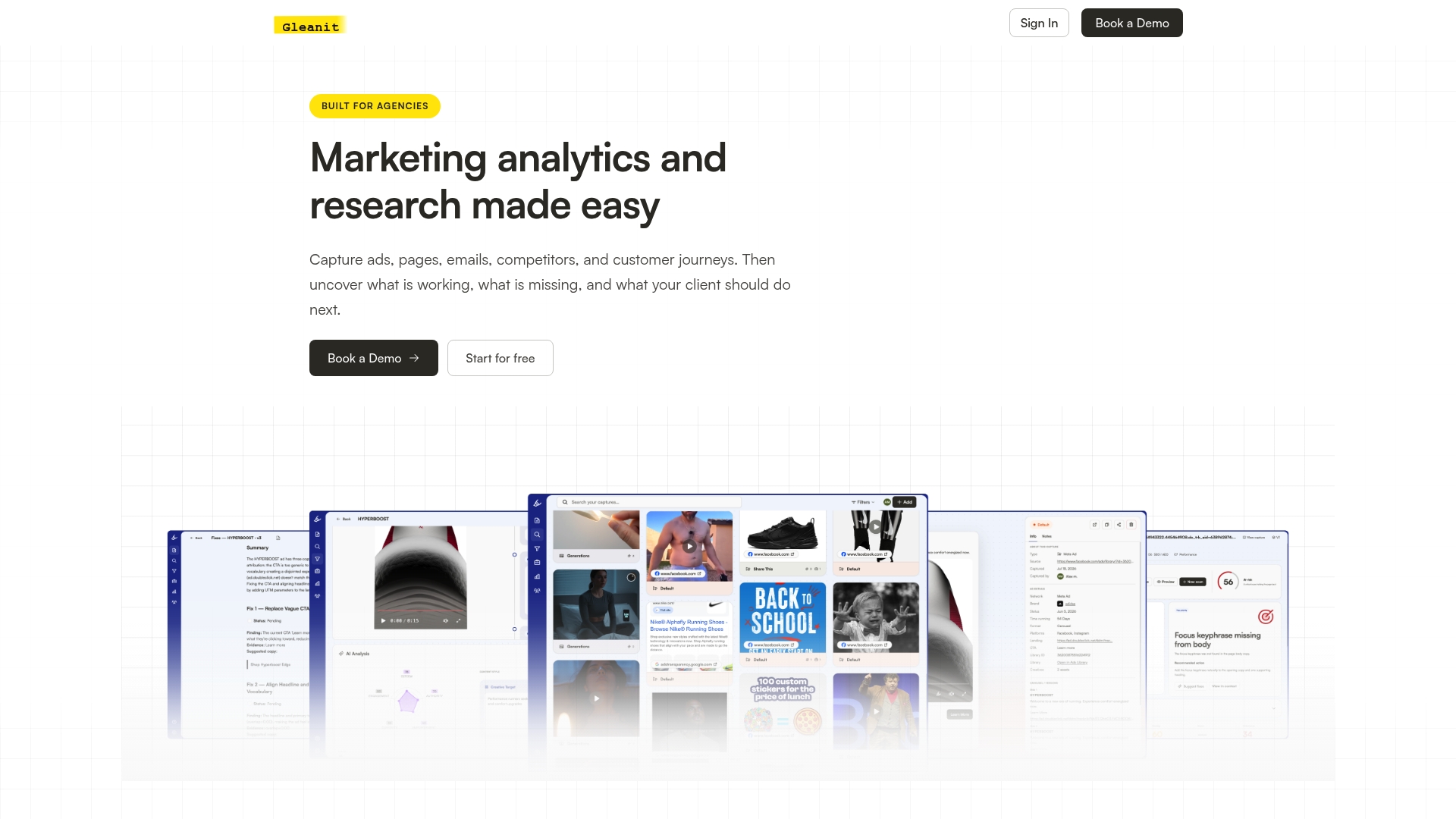
- Less prep time per report, since exports and narrative summaries generate automatically instead of being rebuilt each cycle.
- Clearer decision pages, because anomalies and recommended fixes get prioritized by potential impact rather than listed in chronological order.
- Workspaces per client, so support SLAs, campaign KPIs, and competitor research stay in the same connected view instead of scattered across tools.
If you want to see what an automated audit looks like against your own account before committing to anything, start with our free marketing audit or check plan details on our pricing page.
FAQ
What happens if I report a person in WhatsApp?
Reporting sends WhatsApp your most recent messages with that contact and related metadata for review, but it does not automatically block them or guarantee any enforcement action, according to WhatsApp’s own help center. If you need to stop messages immediately, blocking is a separate step you should take alongside reporting.
How do I turn off reposts on WhatsApp?
WhatsApp’s publicly documented settings cover message forwarding limits and status sharing controls rather than a specific “repost” toggle, and the details aren’t listed in our sources here. Check your app’s Privacy settings under Status and Chats for the forwarding and sharing controls closest to this behavior.
What is the 24 hour rule for WhatsApp business?
Business-initiated marketing messages outside an active customer conversation window require an approved message template, and WhatsApp’s guidance on marketing messaging ties this to opt-in status and template approval rather than free-form messaging. Reporting on this window should track template approval state and opt-in quality side by side with delivery metrics.
What is the difference between block and report?
Reporting flags a contact’s recent messages to WhatsApp for review without necessarily stopping them from reaching you, while blocking is the action that immediately prevents further messages and calls from that contact, per WhatsApp’s help documentation. The two are often used together: report for the record, block to stop contact right away.
Sources
A few references cover most of what’s needed to build the reporting described above. For practical implementation tips beyond the official docs, this overview of WhatsApp marketing tool options walks through tool selection considerations worth weighing alongside your own stack.
- Template analytics (360dialog partner docs)
- About reporting and blocking on WhatsApp | WhatsApp Help Center
- Business messaging for marketers | WhatsApp for Business
- Viewing metrics (ChatArchitect / Meta WhatsApp developer summary)
Recommended
- Client Reporting Templates: Report in 45 Minutes
- Cut Report Prep to 1 Hour: AI Driven Figma Reports for Agencies
- Automate Marketing Reports for Agencies: Start With Data Governance
- Unified Marketing Dashboard: Faster Insights for Agencies
Corrections: ovannes@hearye.co or our editorial policy.