
A working agency research workflow runs on four repeatable steps: automated monitoring across ad platforms, funnel diagnostics that flag drop-offs, ROI-based prioritization of fixes, and AI-assisted report delivery to clients. Done right, it cuts manual reporting hours and puts the highest-impact recommendations in front of clients first. We built our platform around exactly this sequence.
TL;DR:
- Weekly ad alert reviews take 15 to 20 minutes, funnel checks take 10 minutes, and competitor snapshots take 20 minutes every other week.
- Native Google and LinkedIn APIs provide granular reporting, but prebuilt connectors onboard faster; keep each client’s data in a dedicated workspace to prevent mix ups.
- Schedule GA4 funnel reports weekly, limit alert breakdowns to the top five values per dimension, and investigate mobile only declines as possible page issues.
- Score issues for impact, effort, and confidence on a 1 to 5 scale; use CRM revenue to estimate value, and test major changes before rollout.
- Keep client summaries to one page with a metric, win, risk, and fix; feed AI validated metrics and check drafts against dashboards.
Table of Contents
- Quick workflow checklist for agencies
- Data sources and integrations to centralize first
- Set up automated funnel diagnostics step by step
- How to prioritize fixes and recommend high-ROI changes
- AI-assisted report generation and templates for client delivery
- Client workspaces, permissions, and governance
- Recommended cadence, deliverables, and SLAs
- Author perspective and quick takeaways
- Gleanit as a practical way to implement this workflow
- FAQ
- Sources
Quick workflow checklist for agencies
A research workflow only works if it runs on a schedule instead of waiting for someone to remember it. Breaking it into weekly and monthly tasks keeps the process light enough that a small team can own it without a dedicated analyst.
- Weekly: Review automated ad monitoring alerts across Meta, TikTok, Google, and LinkedIn (15 to 20 minutes).
- Weekly: Run a funnel health check and flag any step with an unusual completion drop (10 minutes).
- Biweekly: Pull a competitor snapshot, covering new creative, offers, or landing page changes (20 minutes).
- Monthly: Score open issues by impact and effort, then rank fixes for the client call (30 minutes).
- Monthly: Send the scheduled performance report and one-page digest automatically.
Assigning each task to a specific role, rather than “whoever has time,” is what keeps the cadence from slipping. Our six-step client reporting workflow breaks this cadence down further for teams building it from scratch.
Data sources and integrations to centralize first
An automated workflow is only as reliable as the inputs feeding it, which is why agencies often rely on data-driven paid campaigns and real-time dashboards to enhance monitoring and reporting accuracy. Before building dashboards or alerts, agencies need a short list of connectors that cover paid media, owned analytics, and revenue.
- Google Ads: campaign and creative data mapped through GAQL and the Google Ads API, which replicates most UI reports programmatically.
- LinkedIn: account, campaign, and creative-level stats through LinkedIn’s Reporting APIs, which support up to 20 metrics per call.
Native APIs give more granular control but take longer to set up than prebuilt connectors, which trade some flexibility for faster onboarding. Either way, client-dedicated workspaces matter from day one: scoping each client’s data into its own workspace prevents cross-account mix-ups once you’re managing several accounts at once. Our guide to monitoring Meta ads and TikTok ads covers the setup steps for each platform.
Set up automated funnel diagnostics step by step
Funnel diagnostics turn a vague sense that “conversions are down” into a specific, fixable step. The process is the same whether you’re running it for an e-commerce client or a lead-gen funnel.
- Define the funnel steps. Map the path a user actually takes, for example prospect, shopper, buyer, and tie each step to a tracked event.
- Configure the funnel report. GA4’s runFunnelReport method returns both a funnel visualization and a funnel table, with support for step breakdowns by device, channel, or campaign.
- Limit breakdown cardinality. Keep breakdowns to the top five values per dimension so alerts stay focused on segments big enough to matter, while storing the full data set for deeper digging later.
- Schedule automated runs. Set the report to run weekly and capture the output automatically instead of pulling it by hand.
- Set alert thresholds. Flag any step where the completion rate drops significantly week over week for immediate review.
Pro Tip: Run the funnel report by device category first. A drop that only shows up on mobile usually points to a page speed or layout problem, not a targeting issue.
Once a funnel report surfaces a problem step, the next question is whether it’s worth fixing now or later, which is where prioritization comes in. Our walkthrough on finding funnel leaks shows this process applied to a real drop-off.

How to prioritize fixes and recommend high-ROI changes
Not every funnel gap deserves the same attention. A simple scoring model keeps the team focused on what actually moves revenue instead of chasing every anomaly.
- Score each issue on impact, effort, and confidence, usually on a 1 to 5 scale, so comparisons are consistent across clients.
- Treat creative refreshes and budget reallocation as quick wins: low effort, often measurable within a week.
- Treat tagging fixes and server-side tracking as longer engineering work that needs to be scheduled, not squeezed into a sprint.
- Use CRM-linked revenue pivots to estimate dollar impact rather than relying on conversion counts alone.
- Require a test before rolling out medium-to-high impact changes broadly, since a single data point can be misleading.
This scoring habit is what separates a report full of observations from one that tells a client exactly what to do next.
AI-assisted report generation and templates for client delivery
AI can draft the narrative layer of a report once the underlying metrics are structured, but it works best as a drafting assistant, not a replacement for a final human read.
- Executive one-pagers should cover the headline metric, one win, one risk, and the top recommended fix, nothing more.
- Operational appendices hold the funnel tables, channel breakdowns, and raw numbers that back up the summary.
- Feed structured metrics into the prompt, not raw exports, so the AI narrates numbers you’ve already validated instead of guessing at context.
- Review every AI draft against the source dashboard before sending, since AI tools can misstate a trend direction if the input data is ambiguous.
Pro Tip: Keep one AI-generated template per client type, so a retail client’s report and a B2B lead-gen client’s report never get mixed context.
We built this pattern into Gleanit’s reporting layer specifically because agencies told us manual deck-building was the slowest part of their week.
Client workspaces, permissions, and governance
Clear roles prevent the two most common mistakes in agency reporting: clients seeing data that isn’t theirs, and agency staff accidentally editing a live client view.
- Give clients a viewer or executive role, limited to dashboards and summary reports, never raw account settings.
- Give agency operators editor or admin access, scoped to the accounts they actively manage.
- Keep naming conventions and linked accounts documented so a new team member can onboard without guessing which workspace belongs to which client.
- Use audit logs to track who changed what, especially for tagging or budget changes made under deadline pressure.
Client-dedicated workspaces solve most of this automatically by scoping each client’s data at the account level instead of relying on manual permission checks. Our automation-first guide to data governance covers the setup in more detail.
Recommended cadence, deliverables, and SLAs
Clients notice consistency more than frequency. A predictable cadence, delivered automatically, builds more trust than an impressive one-off deck.
- Weekly: automated health check plus a one-page digest, no meeting required.
- Monthly: performance story with prioritized fixes, reviewed live with the client.
- Quarterly: strategic review covering goals, budget shifts, and channel mix.
- SLA target: same-week turnaround on urgent tracking fixes, 48 hours on audit requests.
Scheduled report sends handle most of this cadence without adding meetings to anyone’s calendar.
Author perspective and quick takeaways

Most agencies already collect the data. What’s missing is the discipline to triage it weekly instead of scrambling monthly.
Three takeaways: automate the monitoring first, score fixes before presenting them, and keep AI drafts tied to numbers a human has already checked.
— Ovannes
Gleanit as a practical way to implement this workflow
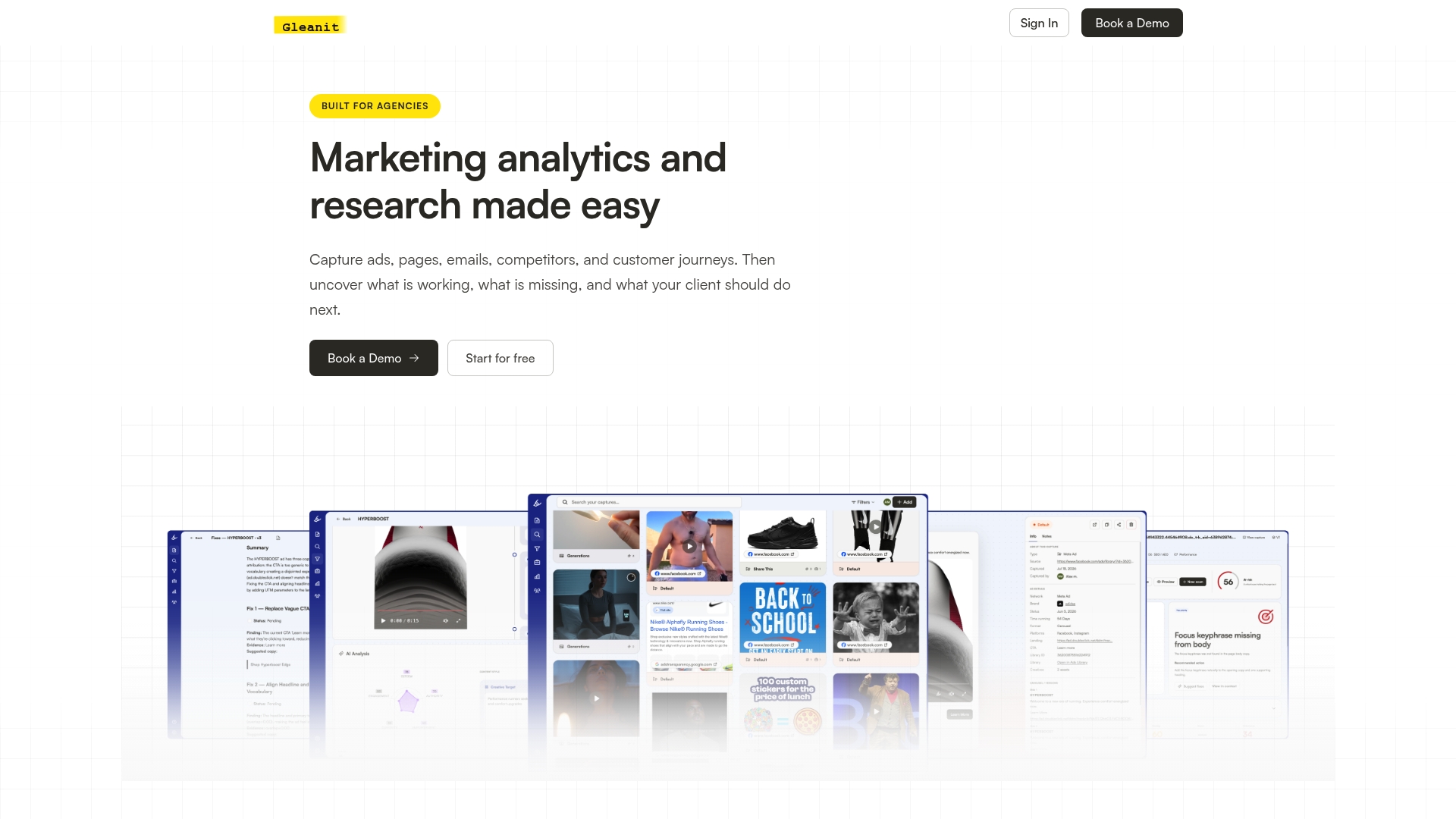
Putting this workflow together from scratch means stitching together several platform connectors, a funnel reporting setup, a scoring spreadsheet, and a reporting template, which is exactly what we built Gleanit to handle in one place. We monitor ads and customer journeys across multiple platforms automatically, surface funnel gaps, prioritize fixes, and draft AI-assisted reports inside client-dedicated workspaces.
If you want to see where your own funnel or ad accounts are leaking budget before committing to a platform, start with our free marketing audit or check the Solo and Agency plans to see which fits your team size.
FAQ
What is an agency research workflow?
It’s the repeatable process agencies use to monitor ad performance, diagnose funnel drop-offs, prioritize fixes by expected return, and deliver client-ready reports. The goal is replacing manual spreadsheet pulls with a scheduled, automation-first routine.
How often should agencies run funnel diagnostics?
A weekly check is enough to catch most meaningful drops, since GA4’s funnel reports can be scheduled to run automatically and flag completion-rate changes without manual pulls. Monthly reviews are too slow to catch a sudden mobile checkout issue before it costs a client real budget.
How do agencies decide which fixes to prioritize?
Most score issues on expected impact, effort to implement, and confidence in the estimate, then rank them so quick wins like creative refreshes get addressed before longer engineering work like server-side tracking. Linking revenue data through a CRM makes the impact estimate far more concrete than conversion counts alone.
What should a client-facing report include versus an internal one?
A client-facing report should stay to one page: the headline metric, a win, a risk, and the top recommended fix. The operational version, meant for the agency team, holds the full funnel tables and channel breakdowns that back up that summary.
Sources
Centralized dashboards pulling from multiple platforms can cut manual reporting time substantially according to G2’s market data, with a large share of reviewers rating specialized reporting tools highly for reliability. Connecting each ad platform once, rather than exporting data separately every week, is where most of that time savings comes from.
- Overview | Google Analytics | Google for Developers
- Getting started - Reporting - LinkedIn | Microsoft Learn
- Google Ads reporting and GAQL mapping | Google Developers
Recommended
- Automate Marketing Reports for Agencies: Start With Data Governance
- Cut Report Prep to 1 Hour: AI Driven Figma Reports for Agencies
- Six Step Client Reporting Workflow for Agencies, Automation First
- Prioritize Marketing Fixes in 90 Minutes: Scan, Score, Sequence
Corrections: ovannes@hearye.co or our editorial policy.