
You can bring scheduled reports, alerts, and on-demand dashboard queries into Slack through a Marketplace app using OAuth, webhooks or scheduled exports, or MCP agents and warehouse connectors for heavy analytics. Pick the method that matches your scale and how interactive you need reports to be. Before installing anything, have an admin review the app’s scopes and your workspace approval settings.
TL;DR:
- Use read only scopes for reporting; write access can pause campaigns or update records, so admins should approve only actions the integration needs.
- Choose webhooks for fixed, one way summaries, but use agents for live follow up questions and warehouse connectors when analytics join multiple sources.
- For protected health data, use Slack only with an Enterprise plan, a signed business associate agreement, and your own data loss prevention controls; third party apps lack Slack’s BAA coverage.
- Send summaries to focused channels, label each post with its timeframe, filters, and owner, and reserve immediate alerts for triggers that require action.
Table of Contents
- What can a Slack reporting integration do for your team?
- How do you connect a reporting tool or dashboard to Slack?
- What permissions and compliance rules should admins check?
- How should you route, format, and schedule reports?
- Which automation pattern fits: webhooks, MCP agents, or warehouse connectors?
- What should admins check when a report stops posting?
- What does automating Slack reports look like in practice?
- How do we help agencies automate Slack reporting?
- FAQ
- Sources
What can a Slack reporting integration do for your team?
Reporting goals tend to cluster around scheduled reports, real-time alerts, and interactive queries, each pointing to a different integration style:
- Scheduled reports (bursting): a dashboard summary lands in a channel every Monday morning, so nobody has to open a tool to see last week’s numbers.
- Real-time alerts: a spend spike or a conversion drop posts the moment it happens, which turns Slack into an early warning system.
- Interactive queries: a teammate asks a question in Slack and gets a fresh answer pulled from live data.
The read versus write split matters here. A read-only integration displays data, which keeps risk low and approval easy. A write-capable one can also change things, such as pausing a campaign or updating a record, which is powerful but needs tighter review.
A simple webhook is enough when you only push one-way summaries on a fixed schedule. You need a two-way agent or a warehouse connector when people want to ask follow-up questions or when reports join data from several sources.
How do you connect a reporting tool or dashboard to Slack?
Follow these steps in order, and write down what you decide along the way:
- Define the goal and the audience: which channel, private channel, or direct message should receive the report, and who needs to read it.
- Find the app in the Slack Marketplace, or use the vendor’s Install or Add to Slack link. Slack’s guide to adding apps to your workspace walks through the Marketplace flow.
- Review the requested permission scopes before you authorize, and record them. Slack explains how to understand app permissions so you can judge what the app can view and do.
- Authorize the app and connect your reporting account.
- Choose the posting destination and set sample filters, such as one client, one campaign, or one date range.
- Configure the schedule or trigger, then run a test post.
- Check that the message links back to the full dashboard and that the numbers match the source.
- If the workload is heavy, plan a warehouse or ETL approach now, before you hit API rate limits.
Pro Tip: Run your first test in a private channel with only yourself in it. You can fix formatting and filters without showing clients a half-finished report.
What permissions and compliance rules should admins check?
Admins carry most of the responsibility here, so a few habits keep installs safe:
- Read the scopes. Every app lists what it can see and post. Compare that list against what the report actually needs.
- Use app approval. By default members can install apps, but Workspace Owners can turn on approval so an admin reviews each request first.
- Use Enterprise controls. Enterprise Mobility Management lets you control mobile access, and Slack for Intune covers managed devices. On Enterprise plans, admins can also manage MCP server and tool access for Slackbot.
- Rotate tokens on a regular schedule and re-authorize when scopes change.
Health data needs extra care. Slack is not automatically HIPAA-compliant: you need an Enterprise plan, a signed BAA with Slack, and your own data loss prevention measures, because third-party apps are not covered by Slack’s BAAs. If a client’s reports could contain protected health information, keep them out of Slack unless that setup is in place.
How should you route, format, and schedule reports?
A report nobody reads is just noise. Start with the destination: a focused channel with the right members beats a general channel where the message scrolls past in seconds.
Then keep the message itself tight:
- Lead with a headline, then show the key metrics and the timeframe.
- End with a link to the full dashboard. Our post on a unified marketing dashboard shows why a consistent link target keeps conversations clean.
- Use Block Kit layouts and threads so details stay tucked away instead of flooding the channel.
- Label every message with its timeframe, filters, and owner, so a reader knows what they are looking at and who to ask.
Match frequency to how often decisions actually happen. Weekly performance summaries rarely need to be daily, and low-priority items can be batched into one digest. If you are deciding which triggers deserve an immediate post, our guide to choosing alert triggers is a practical place to begin, and our note on routing marketing alerts in Slack covers how to cut down on ignored pings.
Pro Tip: Post the summary as the main message and put breakdowns in the thread. The channel stays scannable, and curious readers can still dig in.

Which automation pattern fits: webhooks, MCP agents, or warehouse connectors?
Slack’s own documentation describes a shift toward richer integrations built on the Model Context Protocol, where agents fetch live data and act on it instead of just receiving a pushed message. Here is how the options compare:
- Webhooks and scheduled exports: the simplest and cheapest to maintain. They suit one-way summaries, but they run into rate limits at volume and offer no interactivity.
- MCP agents and bots: a good fit for conversational questions and two-way actions. They demand more security review, since an agent that can act needs carefully limited tool access.
- Warehouse-backed connectors: the better choice for heavy analytics and multi-source joins. Practitioners often prefer warehouse connectors or ETL over basic app integrations so complex SQL work stays outside Slack’s API limits.
Maintenance follows complexity. Webhooks break quietly when a URL changes, agents need ongoing permission reviews, and connectors need pipeline monitoring.
What should admins check when a report stops posting?
Work through this list from top to bottom:
- Re-authorize or reinstall the app if its scopes changed, since updated scopes require approval again.
- Look for rate-limit errors, and retry with a small test payload to separate a volume problem from a configuration problem.
- Confirm the app or bot is a member of the destination channel and has permission to post there.
- Rotate tokens, and track app updates through your approval workflow so nothing changes unnoticed.
- Log every failure, and send a test payload before rolling any change out to client channels.
What does automating Slack reports look like in practice?
From an agency analytics seat, the biggest win is time. Once weekly summaries post themselves, client check-ins shift from “what happened?” to “what do we do about it?” A short Slack summary paired with a single dashboard link keeps those conversations focused, and AI productivity gains for agencies tend to show up first in exactly this kind of repetitive reporting work. The warning is notification fatigue. Every extra alert trains people to ignore the next one, so start small, review what gets read, and cut anything that does not lead to action.
— Ovannes
How do we help agencies automate Slack reporting?
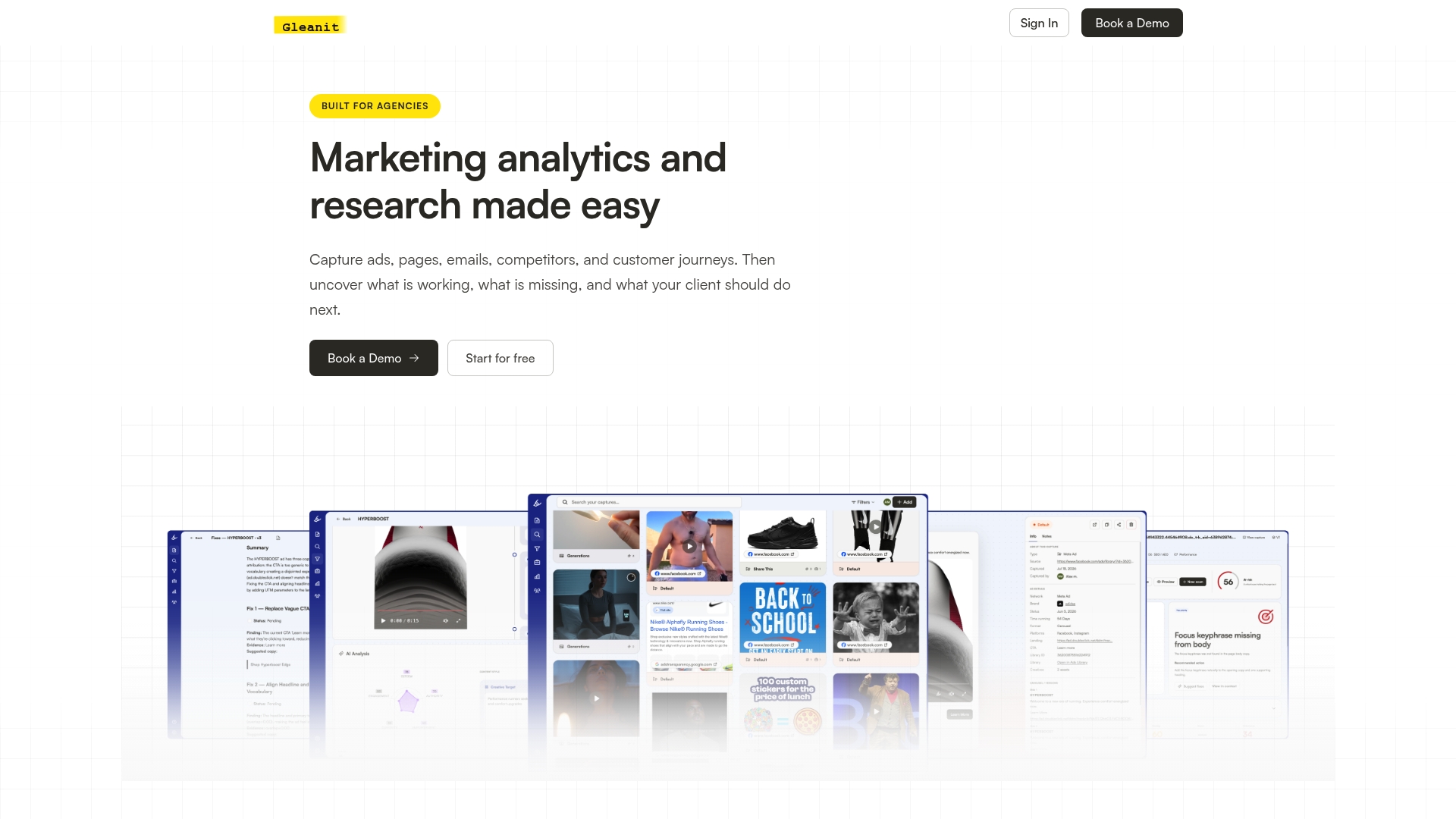
We built our platform so agencies stop assembling reports by hand. Here is what you get:
- Automated monitoring of ads and funnels across Meta, TikTok, and Google, with gaps and high-ROI fixes surfaced for you
- Reports that carry key numbers and a link back to the full view
- AI-assisted report generation that turns audit findings into client-ready documents
- Client workspaces so each account stays organized and separate
You can compare plans on our pricing page, where the Solo plan is $99 per month and the Agency plan is $459 per month. If you want to see what we would flag first, start with our free marketing audit and bring the results back to your Slack setup.
FAQ
How do you integrate apps into Slack?
Open the Slack Marketplace or the vendor’s Add to Slack link, review the requested permissions, and authorize the app. If your workspace has app approval turned on, an admin must approve the request first.
Is Slack HIPAA-compliant?
Not automatically. Slack’s HIPAA guidance requires an Enterprise plan, a signed BAA, and data loss prevention controls, and Slack does not sign BAAs with third-party app providers.
Can an employer see what you do in Slack on your phone?
Admins can apply device policies through tools like Enterprise Mobility Management, which controls mobile access and app configuration on managed devices. Check your organization’s policies for what is monitored beyond that.
How do you remove an integration from a Slack channel?
Open the Apps page in your workspace to see installed apps and their access types. A Workspace Owner or the app’s installer can remove the app, and you should revoke its token afterward.
Recommended
- Six Step Client Reporting Workflow for Agencies, Automation First
- Client Reporting Templates: Report in 45 Minutes
- Automate Marketing Reports for Agencies: Start With Data Governance
- Automation First Client Workspaces for Agencies, From Hours to Minutes
Corrections: ovannes@hearye.co or our editorial policy.